
How to Use AdsCrawl with Playwright for Reliable E2E Testing
Learn how to connect Playwright to AdsCrawl cloud browsers for reliable end-to-end testing of modern web apps, with proxy routing, CDP sessions, and CI examples.
How to Use AdsCrawl with Playwright for Reliable End-to-End Testing
Playwright gives you a fast, reliable way to drive real browsers, but the browser still has to run somewhere. On a laptop that is fine. In CI, behind a corporate network, or against a geo-restricted app, it is where flaky tests are born. AdsCrawl supplies managed cloud Chromium browsers that Playwright can attach to over CDP, with residential proxy routing and persistent profiles. This article shows how the two fit together, how to set them up, and what problems the combination actually removes.
Why pair AdsCrawl with Playwright
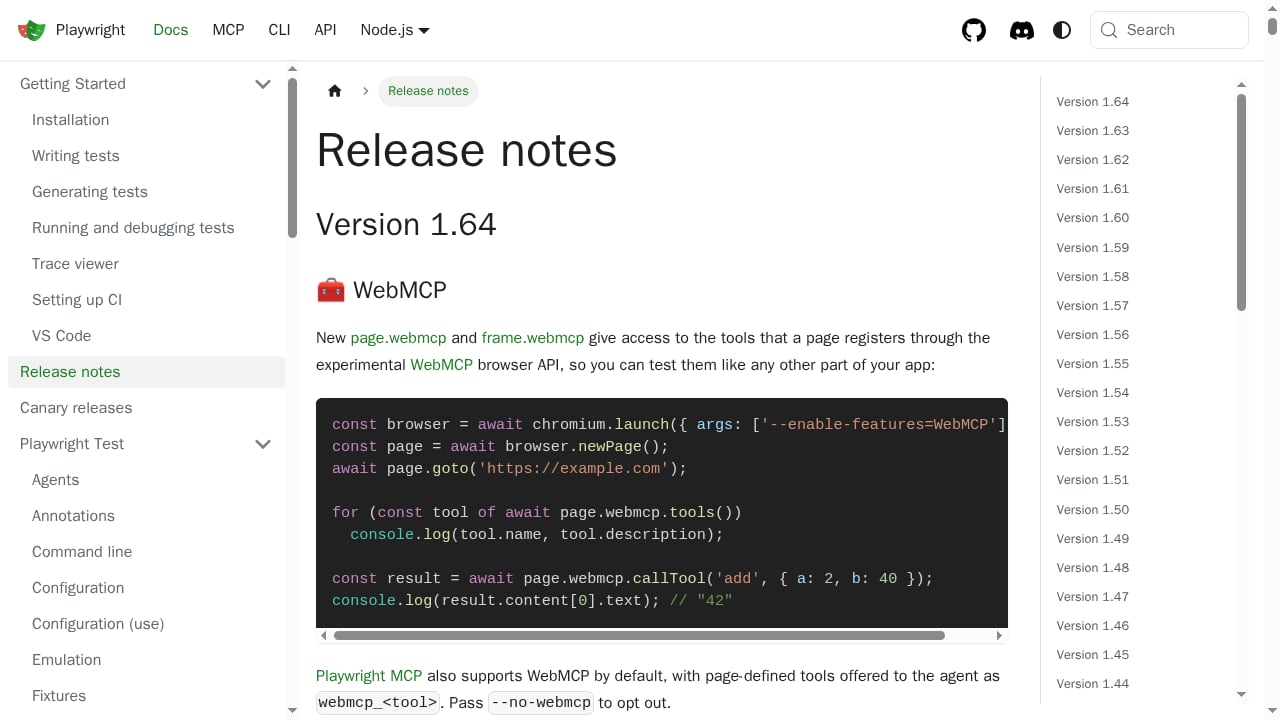
First viewport screenshot of Release notes | Playwright.
Playwright is the test runner and automation library. AdsCrawl is the browser infrastructure underneath it. You keep writing the same Playwright specs, selectors, assertions, and fixtures. What changes is where the browser lives and what network identity it presents.
That split matters for three reasons:
- Environment consistency. A cloud Chromium build behaves the same on a developer machine, a CI runner, and a staging box. No more "works locally, fails in the pipeline" debugging sessions caused by mismatched browser versions or missing system libraries.
- Network realism. AdsCrawl supports residential proxy routing and custom proxies, so tests can hit an app from the region your users actually live in. Geo-dependent content, consent banners, and currency or locale logic become testable instead of mocked.
- State that survives. Cloud browser profiles persist cookies, localStorage, and settings across tasks. A logged-in session created in one test run can be reused, which removes a large class of authentication flakiness.
If you are still deciding whether a managed browser API is the right layer for your stack, the comparison in AdsCrawl vs Browser Automation & Web Scraping Tools walks through the trade-offs between managed cloud browsers and self-hosted automation.
How the two products work together
At a technical level the integration is short. AdsCrawl exposes a remote Chrome DevTools Protocol endpoint. Playwright's chromium.connectOverCDP() method attaches to that endpoint and returns a Browser object. From there, everything is standard Playwright: contexts, pages, locators, expectations, traces.
The division of labor looks like this:
| Layer | Responsibility |
|---|---|
| Playwright | Test authoring, locators, assertions, retries, reporters, trace viewer |
| AdsCrawl | Cloud Chromium hosting, proxy routing, fingerprint and profile management, session lifecycle |
| Your CI | Scheduling, secrets, artifact upload, parallel shard control |
Because AdsCrawl also offers synchronous rendered-content endpoints such as POST /html and screenshot capture, you can use the same platform for two different jobs: interactive testing through Playwright, and lightweight content or visual checks through plain HTTP calls. That is useful when a full browser session is overkill for a smoke test.
Setup: connecting Playwright to an AdsCrawl browser
First viewport screenshot of Fast and reliable end-to-end testing for modern web apps | Playwright.
Step 1: Get an API key and a browser profile
Create an AdsCrawl account and generate an API key. The Free tier includes 500 one-time credits, which is enough to validate the integration before committing to a paid plan. Hobby at $9/month suits solo developers, Starter at $49/month targets small production teams, and Pro at $199/month is aimed at high-volume automation teams. Plans differ by monthly credits, browser concurrency, Cloud Browser profile limits, and API key counts, so pick based on how many parallel test workers you intend to run.
Next, create a Cloud Browser profile. The profile holds browser settings, fingerprint configuration, and proxy assignment. Reusing one profile across a test suite keeps identity stable; creating a fresh profile per shard keeps runs isolated.
Step 2: Start a remote CDP session
Request a session for your profile and capture the returned connectUrl. Treat this URL as a secret: it grants control of a live browser. AdsCrawl issues short-lived live control tokens for interactive access, so rotate and expire them rather than hardcoding long-lived values.
Step 3: Attach Playwright
const { chromium } = require('playwright');

async function run() {
  const browser = await chromium.connectOverCDP(process.env.ADSCRAWL_CONNECT_URL);

  const context = await browser.newContext({
    viewport: { width: 1440, height: 900 },
    locale: 'en-US',
  });

  const page = await context.newPage();
  await page.goto('https://example.com/checkout', { waitUntil: 'networkidle' });
  await page.getByRole('button', { name: 'Add to cart' }).click();
  await page.getByTestId('cart-count').waitFor();

  console.log(await page.title());
  await browser.close();
}

run();
Step 4: Wire it into Playwright Test
In a Playwright Test project, override the browser fixture so every spec attaches to AdsCrawl instead of launching a local Chromium.
// fixtures.js
const base = require('@playwright/test');
const { chromium } = require('playwright');

const test = base.test.extend({
  browser: async ({}, use) => {
    const browser = await chromium.connectOverCDP(process.env.ADSCRAWL_CONNECT_URL);
    await use(browser);
    await browser.close();
  },
});

module.exports = { test, expect: base.expect };
Point your specs at this fixture and the rest of your test code stays untouched. Assertions, expect.poll, tracing, and retries all continue to work because Playwright is still the driver.
Step 5: Configure proxies and waits
Proxy selection happens at the AdsCrawl profile level, not inside Playwright. Set a residential proxy or a custom proxy on the profile, then let Playwright navigate normally. This keeps proxy credentials out of your test code and out of your repository.
For dynamic pages, prefer explicit waits over fixed sleeps. AdsCrawl's API schemas cover waits and actions, and Playwright's own auto-waiting handles most element readiness. Combine them: use Playwright locators for interaction, and use AdsCrawl's wait configuration for page-level conditions that happen before your first selector is even relevant.
Practical examples
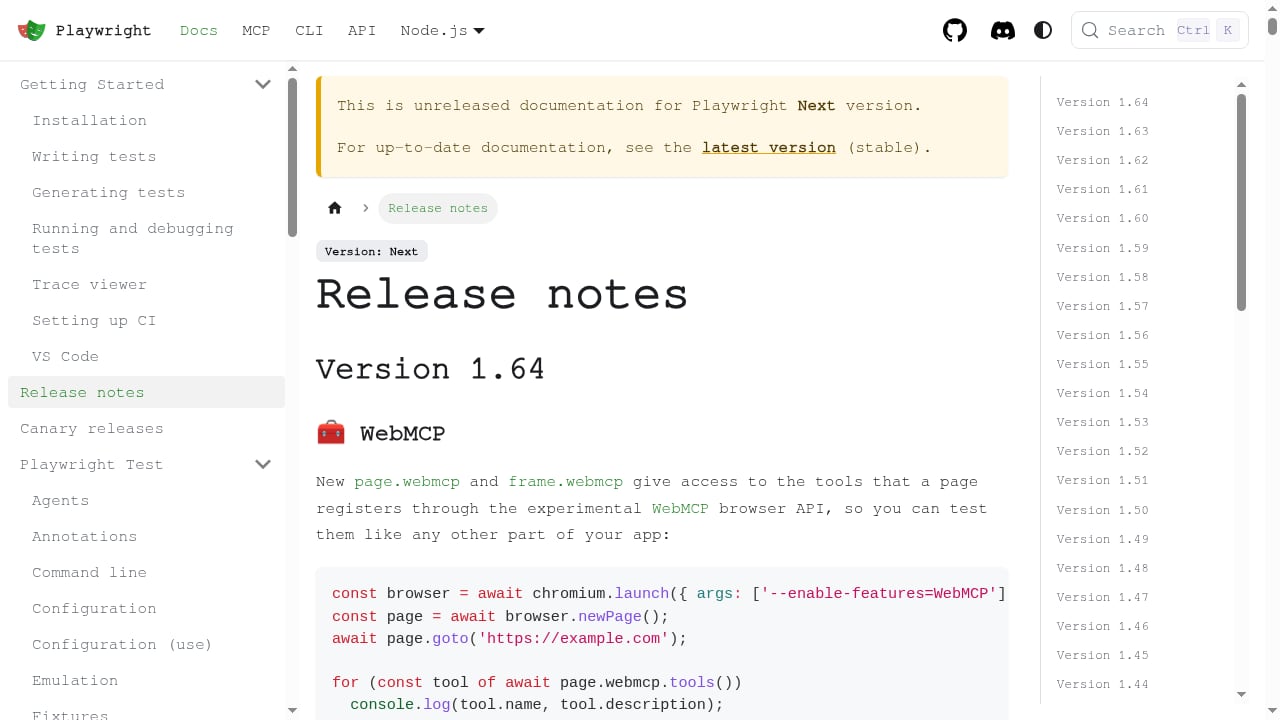
First viewport screenshot of Release notes | Playwright.
Testing a geo-restricted checkout flow
Assign a residential proxy in the target country to a dedicated profile. Run the checkout spec against that profile. The app sees a local IP, serves the correct currency and payment methods, and your assertions validate real behavior rather than a mocked locale.
Visual regression on a JavaScript-heavy dashboard
Use Playwright to log in and reach the dashboard state, then capture a screenshot through AdsCrawl's screenshot endpoint with viewport and selector controls. Because the rendering happens on the same cloud browser, the screenshot matches what the test saw. If you want a deeper look at extracting structured data from pages like this, Scrape Website Data: A Developer's Guide to Dynamic Pages covers the rendering and extraction patterns.
Reusing an authenticated session
Log in once inside a persistent Cloud Browser profile. Subsequent test runs attach to the same profile and skip the login flow, which shortens runtime and removes a frequent source of flakiness. Keep a separate profile for the login test itself so you still verify the auth path on every pipeline run.
Parallel shards in CI
Give each shard its own profile and its own connectUrl. Concurrency limits on your AdsCrawl plan determine how many shards can run at once. Match your Playwright worker count to that limit rather than letting the runner queue sessions it cannot open.
What this combination solves
- Flaky tests caused by environment drift. Cloud browsers are versioned and consistent, so a passing run on one machine is meaningful on another.
- Geo-blocked and region-specific behavior. Residential proxy routing makes location-dependent logic testable without VPN hacks in CI.
- Authentication and state resets. Persistent profiles carry session state forward, so tests do not rebuild login flows from scratch every time.
- Bot detection on staging and third-party surfaces. Real browser fingerprints and residential IPs reduce the chance that a legitimate test run is blocked by anti-automation defenses.
- Scattered tooling. One platform handles interactive CDP testing, rendered HTML retrieval, and screenshots, so the team maintains fewer moving parts.
Decision guidance
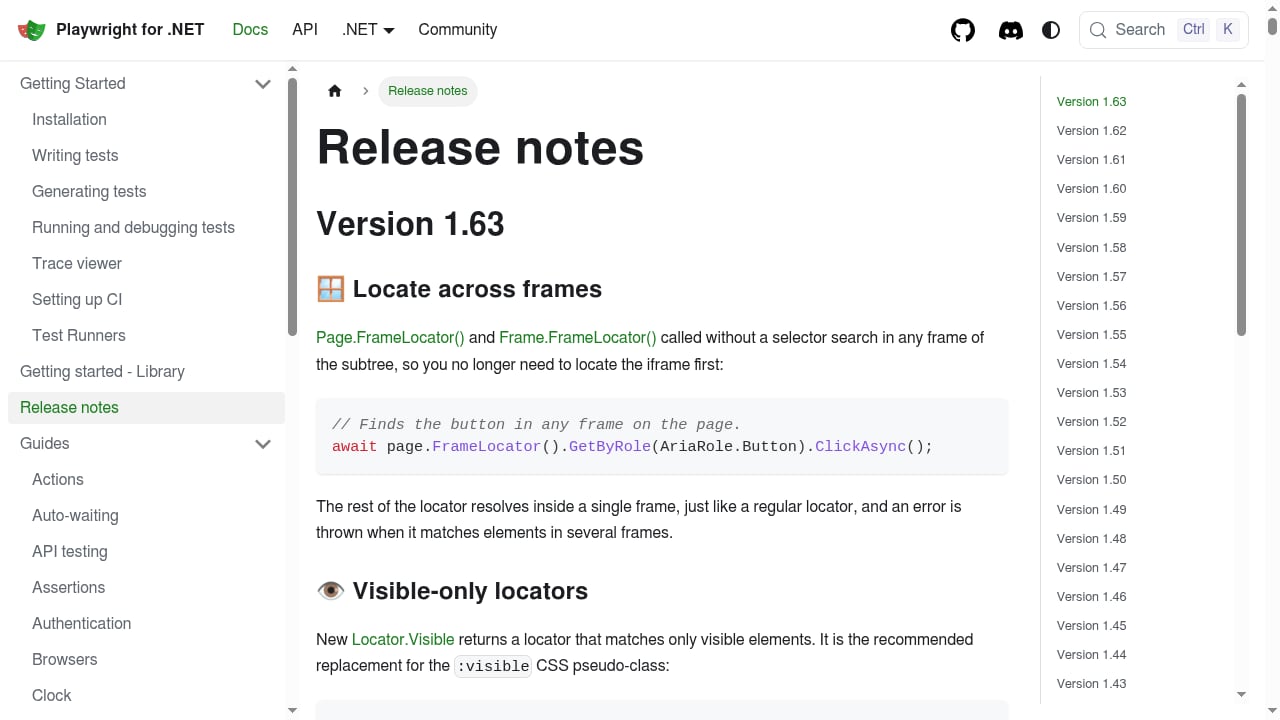
First viewport screenshot of Release notes | Playwright .NET.
Use AdsCrawl with Playwright when your tests need real browser identity, proxy routing, or persistent sessions, and when you would rather not operate a browser fleet yourself. Use plain local Playwright when you are testing a fully public app with no geo or anti-bot constraints and your CI already has a stable browser image.
A middle path is common: run fast unit and component tests locally, and route only the end-to-end suites that touch third-party services, geo logic, or authenticated flows through AdsCrawl. That keeps credit consumption predictable while still fixing the tests that actually break.
If your team is evaluating browser infrastructure more broadly, AdsCrawl vs Steel vs Axiom: Browser Infrastructure Compared and AdsCrawl vs ApiFlash: Screenshot API or Full Browser? cover adjacent options for CDP control and screenshot-only workflows.
Related reading
- Browser Use Review 2026: AI Browser Agent Tested - Hands-on Browser Use review: how its AI browser agents perform, real pricing signals, setup steps, limitations, and who should use it in 2026.
Sources and further reading
- A2A | APIs.io A2A - Browse A2A Agent Cards published by API providers across the APIs.io network — every provider serving a machine-readable agent discovery manifest at /.well-known/agent-card.json, graded against the A2A 1.0.0 specification.
- Former Wowhead CEO here - I'm looking to build a team to create a new database and community site specifically for Classic WoW. Anybody interested? : r/classicwow - Nov 8, 2017 ... I'm a web designer and developer, and a massive fan of classic wow. I mainly work on front end. I've been playing classic alongside retail since ...
- index.html | APIs.io Agentic Access - Browse recommended x-agentic-access execution contracts for API providers across the APIs.io network — the scope, audience, consequence tier, short-lived token constraints, and human-in-the-loop escalation each operation should carry before it is handed to an AI agent. Classified from provider OpenAPI, following Curity's Access Intelligence model.
FAQ
Does AdsCrawl replace Playwright?
No. Playwright remains the test framework and driver. AdsCrawl provides the cloud browser that Playwright connects to over CDP, plus proxy and profile management.
Can I use Playwright Test features like tracing and retries?
Yes. Once connectOverCDP returns a browser object, Playwright behaves normally. Tracing, retries, reporters, and the trace viewer all work as they do with a local browser.
How do I handle authentication across test runs?
Use a persistent Cloud Browser profile. Log in once, and later runs attach to the same profile with cookies and storage intact. Keep a separate profile for tests that specifically verify the login flow.
Do I need residential proxies for every test?
No. Apply residential or custom proxies only to the profiles that test geo-dependent or anti-bot-sensitive behavior. Everything else can run without proxy routing.
How many tests can run in parallel?
That depends on your AdsCrawl plan's browser concurrency and Cloud Browser profile limits. Align your Playwright worker count with those limits to avoid session contention.
Is there a way to test without a full browser session?
Yes. AdsCrawl's POST /html endpoint returns rendered HTML, Markdown, or JSON synchronously, and the screenshot endpoint captures pages with viewport and selector controls. Use these for smoke checks where a full Playwright session is unnecessary.
Conclusion
Playwright already gives you a dependable testing API. AdsCrawl gives that API a dependable place to run. Connecting the two takes a connectOverCDP call and a fixture override, and from there you gain consistent cloud Chromium builds, residential proxy routing, persistent sessions, and a single platform for interactive tests, rendered content, and screenshots. Start on the Free tier with 500 one-time credits, prove the integration against your flakiest suite, then scale concurrency as your pipeline grows.