
AdsCrawl vs Spider vs Browse AI: Which Fits Your Stack?
Compare AdsCrawl, Spider, and Browse AI for scraping and browser automation. See strengths, limits, pricing, and which tool fits developers vs no-code teams.

AdsCrawl vs Spider vs Browse AI: Which Fits Your Stack?
Choosing between AdsCrawl, Spider, and Browse AI is not about finding a single winner. These three tools solve related problems in fundamentally different ways. AdsCrawl gives developers a managed cloud browser and low-level control. Spider provides an AI-focused crawling API that returns clean markdown or JSON. Browse AI offers a no-code platform for scraping and monitoring websites without writing code.
The right choice depends on your technical comfort level, how much control you need over the browser, and whether you are building an AI pipeline, a production scraping workflow, or a business monitoring process.
This comparison breaks down where each tool is strong, where it has limits, and how to match it to your actual stack.
Quick Overview: Three Tools, Three Philosophies
First viewport screenshot of Spider Changelog - New Features and API Updates.
Before diving into details, it helps to understand what each platform is built for.
AdsCrawl is a cloud browser API and browser automation platform. It gives developers direct access to real cloud Chromium browsers through Playwright, Puppeteer, or any CDP client. You can retrieve HTML, Markdown, JSON, or screenshots from JavaScript-heavy pages, route through residential or custom proxies, and maintain stateful browser profiles that persist settings after stopping. It is designed for developers and teams running production scraping, QA, monitoring, and remote CDP workflows.
Spider is an AI web crawler API that positions itself as data infrastructure for AI applications. It returns clean markdown or JSON from any website in real time and is priced per page. It serves AI agents, RAG systems, LLM training pipelines, coding agents, and compliance monitoring. Core features include a single API for crawling, scraping, searching, and extracting, plus an MCP server for AI agent integration and framework SDKs for Python, CrewAI, and LangChain.
Browse AI is a no-code platform that lets users scrape and monitor data from any website, turning websites into APIs without writing code. It serves business analysts, data teams, agencies, and enterprises that need to automate data collection workflows. Users can extract structured data, monitor changes, and receive alerts on updates such as price drops or new listings. The platform reports over 770,000 users and supports data delivery to warehouses.
Where AdsCrawl Excels: Full Browser Control for Developers
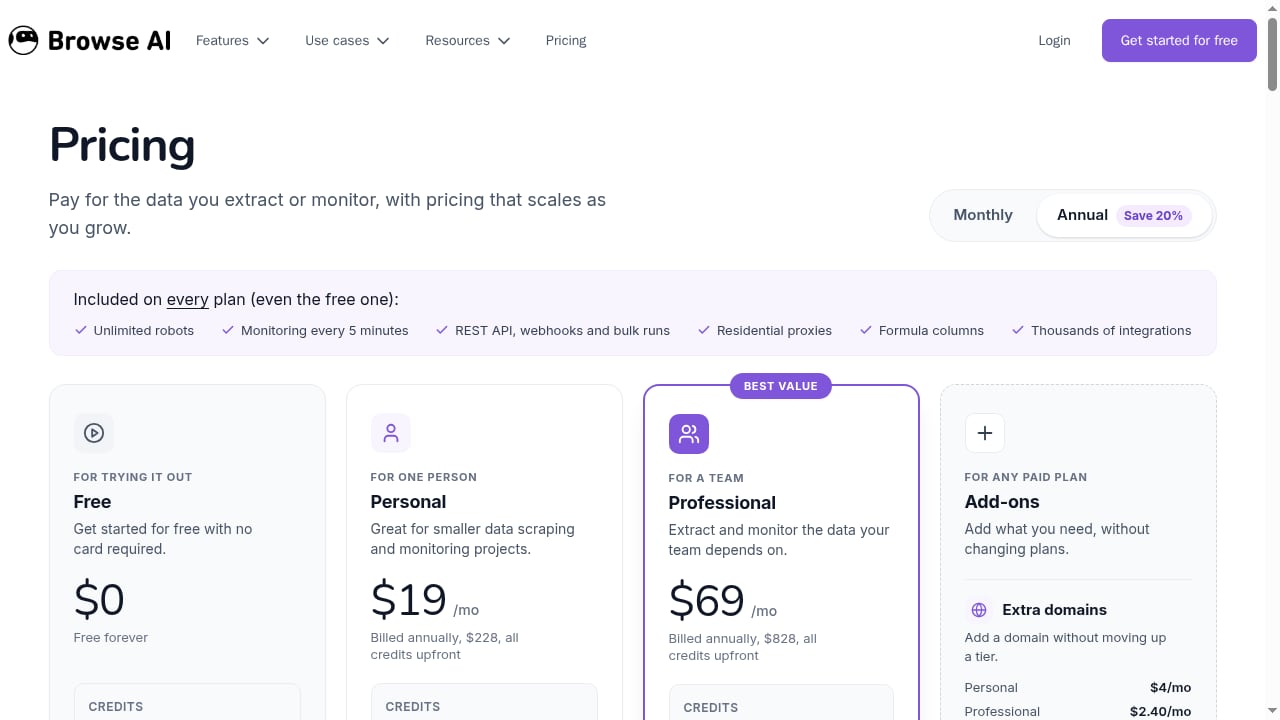
First viewport screenshot of Pricing - Browse AI.
AdsCrawl is built for teams that need more than a simple scraping endpoint. It provides a complete browser environment with managed browser identity, random User-Agents, trusted proxies, and dynamic region routing.
Remote CDP sessions and live control
One of AdsCrawl's strongest differentiators is dedicated remote CDP sessions with short-lived live-control tokens. This means you can connect Playwright, Puppeteer, or any CDP client to a real cloud Chromium browser and inspect network traffic, manipulate DOM state at a low level, or debug rendering issues in real time. For teams building AI agents that need to understand how a page actually renders, this level of access matters.
Stateful browser profiles
AdsCrawl supports stateful cloud browser profiles that persist settings after stop. If your workflow requires maintaining login state, cookies, or specific browser configurations across sessions, this is a practical advantage over stateless scraping APIs.
Synchronous rendered-content APIs
AdsCrawl offers synchronous APIs like POST /html and POST /screenshot that return rendered content directly. You can also use SPA extraction templates and structured DOM and network field extraction. This makes it straightforward to get exactly the data you need from JavaScript-heavy pages without building custom rendering infrastructure.
Transparent tiered pricing
AdsCrawl's pricing is transparent and tiered: a Free plan with 500 one-time credits, Hobby at $9/month for solo developers, Starter at $49/month for small production teams, and Pro at $199/month for high-volume automation teams. Monthly credits, browser concurrency, Cloud Browser profiles, and API key limits scale by tier. For developers who want predictable costs and a clear upgrade path, this model is easy to evaluate.
If you are comparing AdsCrawl with other browser automation platforms, see our AdsCrawl vs Browserbase vs Browserless comparison for a deeper look at CDP control, stealth, proxies, and pricing.
Where Spider Excels: AI-Ready Web Data Infrastructure
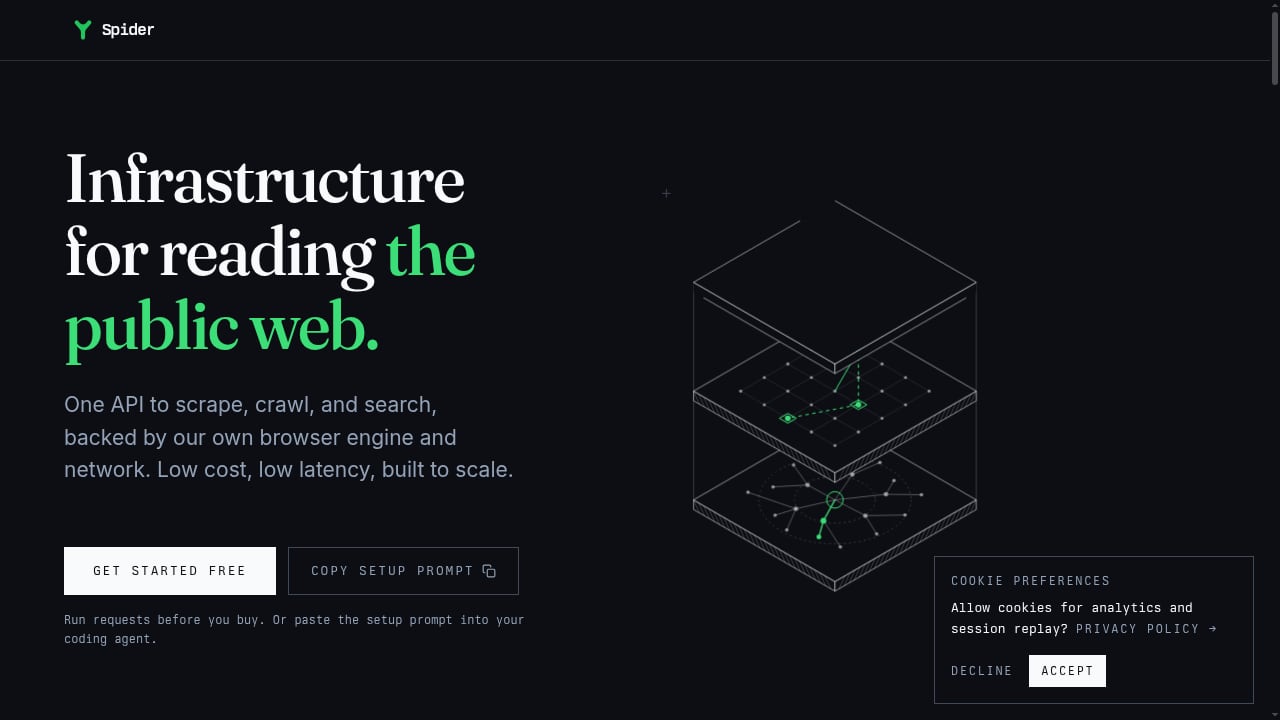
First viewport screenshot of AI Web Crawler API for Agents and RAG | Spider.
Spider takes a different approach. It is an AI web crawler API that returns clean markdown or JSON from any website in real time. The product is designed for AI applications that need reliable web data without building and maintaining their own crawling infrastructure.
Single API for multiple tasks
Spider provides a single API for crawling, scraping, searching, and extracting web content. This consolidation reduces integration work for teams that need multiple capabilities from one provider. The API handles proxies, browser farms, bot detection, rate limits, and edge cases behind the scenes.
MCP server and framework SDKs
Spider offers an MCP server for AI agent integration and framework SDKs for Python, CrewAI, and LangChain. If you are building AI agents or RAG systems, these integrations can significantly reduce setup time. The MCP server is particularly relevant for teams building agentic workflows that need to fetch and process web content.
Token-efficient markdown output
Spider emphasizes token-efficient markdown output, which is useful when feeding web content into LLMs. Clean markdown reduces token usage and improves the quality of AI-generated responses compared to raw HTML.
Pay-as-you-go pricing
Spider's pricing is pay-as-you-go from $1/GB plus $0.0001 per CPU minute, or unlimited concurrency plans from $40/month. Failed requests cost $0. AI Studio, an add-on subscription starting at $6/month, provides natural language web data extraction. Case studies show significant cost reductions, such as A11yWatch reducing server costs from $2,000/month to $13/month.
For a broader look at how Spider fits into the scraping API landscape, see our Top 10 Web Scraping API Platforms 2026 ranking.
Where Browse AI Excels: No-Code Scraping and Monitoring
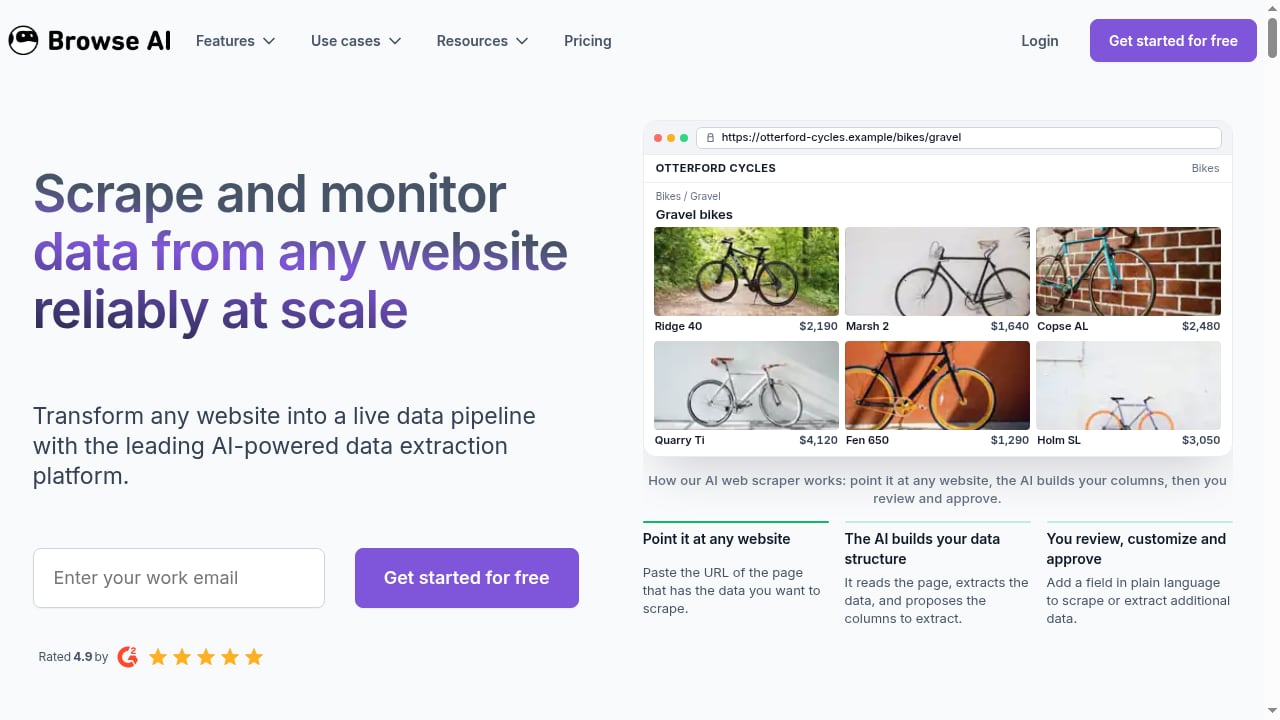
First viewport screenshot of Scrape and Monitor Data from Any Website with No Code.
Browse AI addresses a completely different audience. Its core value is making web scraping and monitoring accessible to non-developers.
No-code setup and website monitoring
Browse AI lets users scrape and monitor data from any website without writing code. You can extract structured data, monitor changes, and receive alerts on updates such as price drops or new listings. This is genuinely useful for business analysts, data teams, agencies, and enterprises that need to automate data collection workflows without engineering resources.
Proven use cases across industries
Browse AI has documented use cases including extracting attorney data from law firm websites, monitoring commercial real estate listings on LoopNet, tracking cruise pricing intelligence, and aggregating education job postings from thousands of school websites. These examples show the platform's versatility across different data collection needs.
Scale without adding staff
One notable proof point is the ability to scale data collection from 30 to 300+ firms in 10 days without adding staff. For teams that need to grow data collection quickly without hiring engineers, this is a meaningful advantage.
API generation and data delivery
Browse AI positions itself as a tool to turn websites into APIs. It supports API generation and data delivery to warehouses, which fits teams that want to integrate scraped data into existing analytics or storage systems.
Head-to-Head Comparison: Key Criteria
The table below summarizes how the three platforms compare across dimensions that matter in real projects.
| Criteria | AdsCrawl | Spider | Browse AI |
|---|---|---|---|
| Primary user | Developers building production scraping, QA, monitoring, and CDP workflows | AI engineers building agents, RAG systems, and LLM pipelines | Non-technical users and business teams automating data collection |
| Browser control level | High: real cloud Chromium, remote CDP sessions, stateful profiles | Medium: API returns rendered content, but no direct browser control | Low: no-code interface abstracts browser entirely |
| AI agent readiness | Strong: CDP for inspection, Markdown extraction, concurrent sessions | Strong: MCP server, framework SDKs, token-efficient markdown | Moderate: designed for business workflows, not agent infrastructure |
| Anti-detection | Managed browser identity, random User-Agents, trusted proxies, dynamic region routing | Proxy rotation, browser farms, bot detection handling | Not a primary focus |
| Scaling model | Credit-based API with browser concurrency by tier | Pay-as-you-go per GB and CPU minute, or unlimited concurrency plans | Cloud-based, scales with plan |
| Ease of onboarding | cURL, Node.js, Python examples; developer dashboard | Single API, SDKs, MCP server | No-code interface, visual setup |
| Pricing transparency | Tiered plans from Free to $199/month | Pay-as-you-go from $1/GB plus CPU minutes, or from $40/month | Subscription-based |
Practical Scenarios: Which Tool Fits Your Workflow?
Building an AI agent that browses the web
Your agent needs to navigate pages, extract structured content, and occasionally inspect network requests or modify headers. AdsCrawl's remote CDP sessions and Markdown extraction make it a natural fit. You get low-level control without managing browser binaries. Spider is also a strong candidate if your agent is built on LangChain or CrewAI and you value the MCP server integration.
Scraping e-commerce data at scale
You need to collect product listings, prices, and availability from multiple regions. AdsCrawl's residential proxy routing and dynamic region routing are built for this. You can also use stateful browser profiles to maintain sessions across requests. Spider handles proxies and bot detection behind its API, which reduces operational overhead if you prefer a simpler integration.
Automating a weekly report from a SaaS dashboard
Every Monday, you log into a dashboard, export a CSV, clean it in Google Sheets, and email it to your team. Browse AI is purpose-built for this. You configure the steps once, schedule the bot, and let it push data directly into your workflow. No code, no server, no maintenance.
Monitoring competitor pricing across thousands of pages
If you need to track price changes and receive alerts, Browse AI's monitoring and alerting features are designed for this use case. For developer teams that prefer code, AdsCrawl can achieve the same with custom scripts and scheduled API calls, but it requires more initial setup.
How to Choose
There is no universal winner. The right choice depends on your team, your technical requirements, and your workflow.
Choose AdsCrawl if: you are a developer or team that needs full browser control, remote CDP sessions, stateful profiles, and transparent tiered pricing for production scraping, QA, monitoring, or remote CDP workflows.
Choose Spider if: you are building AI agents, RAG systems, or LLM pipelines and want a single API that returns clean markdown or JSON with MCP server and framework SDK support.
Choose Browse AI if: you are a non-technical user or business team that needs no-code scraping, website monitoring, and alerts without writing code or managing infrastructure.
For teams comparing AdsCrawl with other developer-focused platforms, our AdsCrawl vs Zyte comparison explores the trade-offs between cloud browser control and managed data delivery.
Related reading
- AdsCrawl vs ScreenshotAPI.net: Which Fits Developers? - AdsCrawl vs ScreenshotAPI.net: compare a full cloud browser API with a single-purpose screenshot API for rendering, proxies, pricing, and scale.
- ClawEngine.ai Review: Clean, LLM-Ready Web Scraping API - Hands-on ClawEngine.ai review: how its web scraping API turns sites into clean Markdown or JSON for LLM pipelines, plus pricing signals, setup, and limits.
- How to Use AdsCrawl with Searlo: Search Data + Browser Automation - Combine Searlo's SERP API with AdsCrawl's cloud browser to discover search results and scrape JavaScript-heavy pages. Setup, workflow, code, and FAQ.
Sources and further reading
- AdsCrawl vs Browserless vs axiom.ai: Which Browser API Wins? - Compare AdsCrawl, Browserless, and axiom.ai for browser automation, scraping, and AI agents. See which API, headless platform, or no-code bot fits your workflow.
- 5 best Browse AI alternatives I've used that actually work - Looking for a Browse AI alternative? I'll show you the top AI web scrapers I've personally tested and used, so you can find the perfect one.
FAQ
What is the main difference between AdsCrawl, Spider, and Browse AI?
AdsCrawl is a cloud browser API for developers who need full browser control and remote CDP sessions. Spider is an AI web crawler API that returns clean markdown or JSON for AI applications. Browse AI is a no-code platform for scraping and monitoring websites without writing code.
Can I use AdsCrawl without writing code?
AdsCrawl is designed for developers. It provides APIs and CDP access that require programming knowledge. If you need a no-code solution, Browse AI is a better fit.
Does Spider support browser automation like AdsCrawl?
Spider provides an API for crawling, scraping, searching, and extracting web content. It does not offer the same level of direct browser control as AdsCrawl, which provides remote CDP sessions and stateful browser profiles.
Is Browse AI suitable for high-volume scraping?
Browse AI is designed for no-code scraping and monitoring. It scales with your plan and has documented use cases of scaling data collection from 30 to 300+ firms in 10 days without adding staff. For very high-volume developer workflows, AdsCrawl or Spider may be more appropriate.
Which tool has the most transparent pricing?
AdsCrawl offers transparent tiered pricing with a Free plan, Hobby at $9/month, Starter at $49/month, and Pro at $199/month. Spider uses pay-as-you-go from $1/GB plus $0.0001 per CPU minute, or unlimited concurrency plans from $40/month. Browse AI uses subscription-based pricing.
Can I use AdsCrawl and Spider together?
Yes. Some teams use Spider for AI-ready markdown extraction and AdsCrawl for browser automation tasks that require CDP access or stateful profiles. The tools can complement each other depending on your workflow.
Conclusion
AdsCrawl, Spider, and Browse AI each solve different problems. AdsCrawl gives developers a managed cloud browser with remote CDP sessions, stateful profiles, and transparent tiered pricing. Spider provides an AI-focused crawling API with MCP server and framework SDK support. Browse AI offers a no-code platform for scraping and monitoring without writing code.
The best choice depends on your team's technical skills, your workflow requirements, and how much control you need over the browser. Evaluate each tool against your actual use case, and do not assume that one size fits all.