
AdsCrawl vs WebHarvy: Cloud Scraping API or One-Time Visual Tool?
AdsCrawl vs WebHarvy compared: managed cloud browser API for dynamic sites vs a one-time Windows visual scraper. Pricing, limits, and fit explained.
AdsCrawl vs WebHarvy: Cloud Scraping API or One-Time Visual Tool?
Two tools, two very different bets. WebHarvy is a Windows desktop application that lets you click on the data you want and pay for a license once. AdsCrawl is a managed cloud browser and browser automation API that renders JavaScript-heavy pages and returns HTML, Markdown, JSON, or screenshots through endpoints like POST /html and POST /screenshot.
If you are choosing between them, the real question is not "which is better" but "which failure mode can I live with." WebHarvy fails when a site gets complicated and you have no one to write code. AdsCrawl fails when you want a one-time purchase and no API integration work. This comparison lays out both sides using published product details and third-party reviews.
What each tool actually is
First viewport screenshot of WebHarvy - Visual Web Scraper. Pay Once, Scrape Forever..
AdsCrawl: managed cloud Chromium behind an API
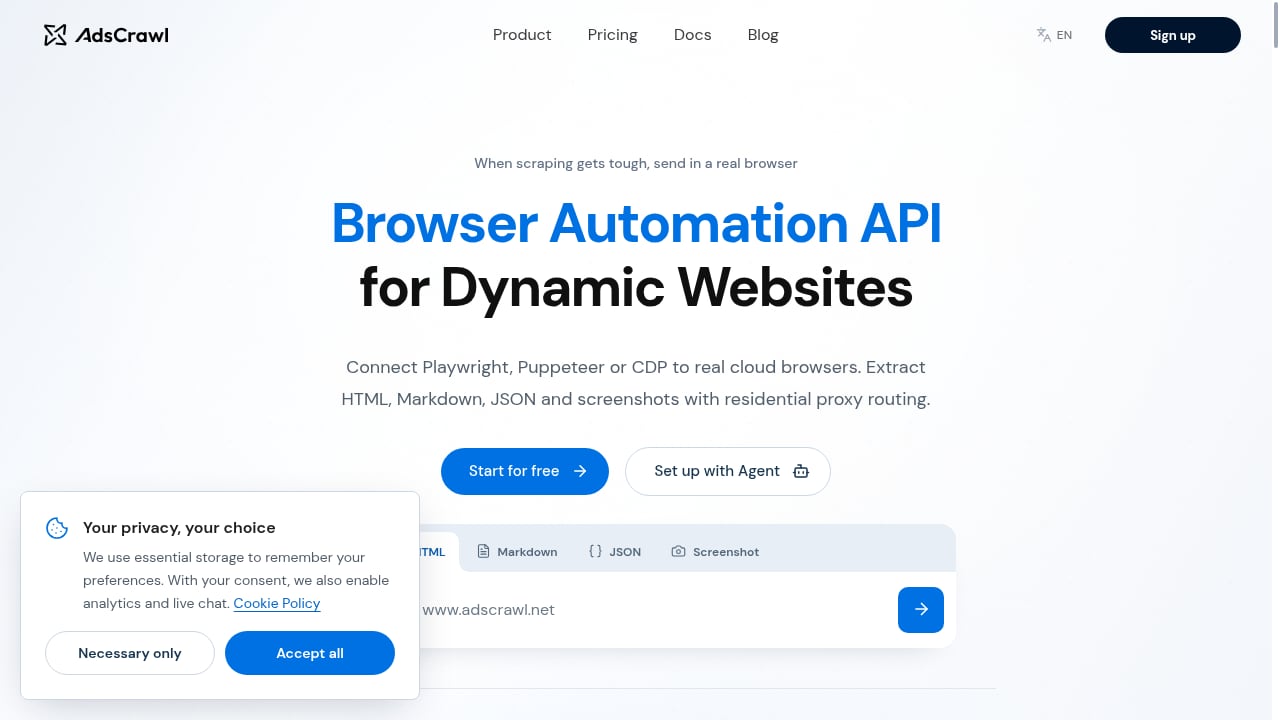
AdsCrawl is built for developers, small teams, and high-volume automation teams. You connect Playwright, Puppeteer, or any CDP client to real cloud Chromium browsers. The platform handles browser identity, random User-Agents, residential proxy routing or custom proxies, and dynamic region routing, so your scripts do not have to.
Core capabilities include:
- Synchronous rendered-content APIs: POST /html and POST /screenshot
- SPA extraction templates and structured DOM and network field extraction
- Stateful cloud browser profiles that persist settings after stop
- Dedicated remote CDP sessions with short-lived live-control tokens
- Per-user running quotas
Pricing is tiered and transparent: a Free plan with 500 one-time credits, Hobby at $9/month for solo developers, Starter at $49/month for small production teams, and Pro at $199/month for high-volume automation teams. Monthly credits, browser concurrency, Cloud Browser profiles, and API key limits scale by tier. The product is powered by AdsPower and supports both English and Chinese documentation.
WebHarvy: point-and-click scraping on your own Windows machine
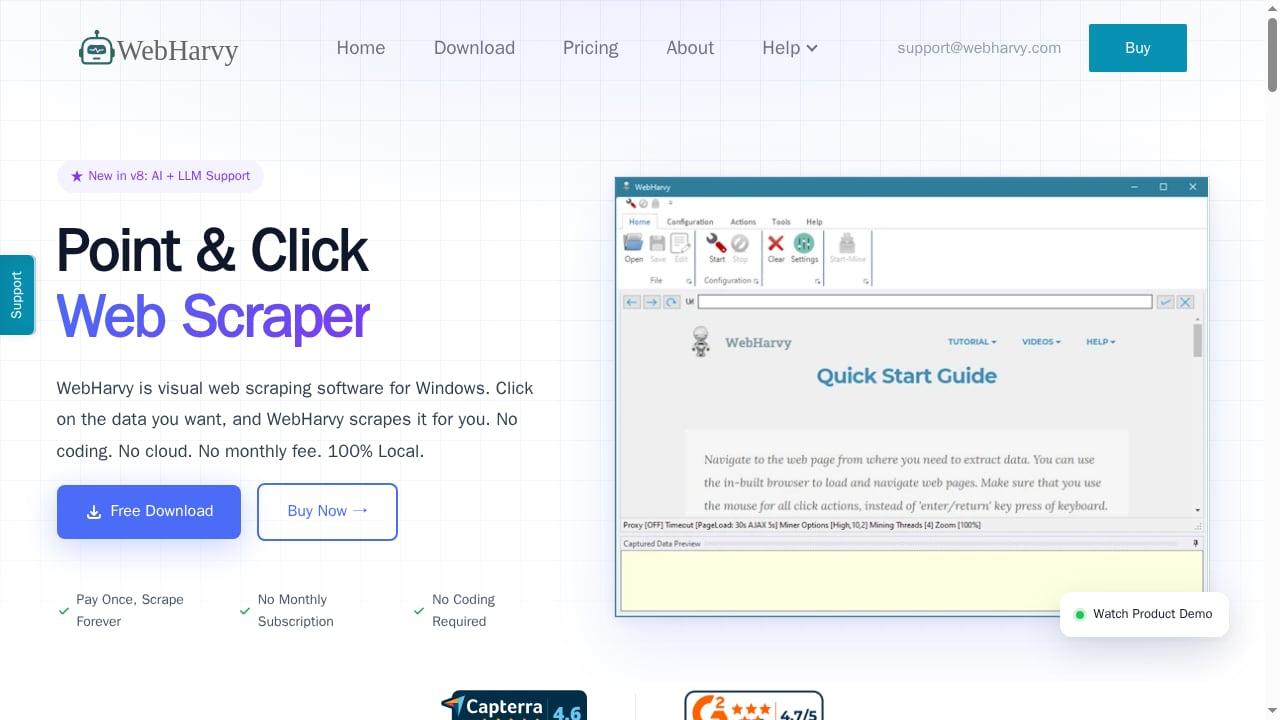
WebHarvy is visual web scraping software for Windows. You load a page in its built-in browser, click the data you want, and it detects similar items automatically. No selectors, no XPath, no scripts required for basic jobs. It exports to Excel, CSV, JSON, XML, TSV, or directly to MySQL, SQL Server, PostgreSQL, or Oracle.
Version 8 adds AI and LLM support. WebHarvy exposes an MCP server so you can connect it to Claude Desktop and other MCP-compatible tools, and it can connect to local LLMs via Ollama or LM Studio, or cloud providers including OpenAI, Anthropic, and Gemini, to extract data from unstructured content.
The headline promise is the license model: pay once, scrape forever, no monthly subscription. According to a 2026 review, a single-user license is $99, a 2-user license is $169, a 3-user license is $219, a 4-user license is $269, and a site license is $699. Each includes one year of free updates and email support; after that year you keep running your last build, but newer builds require a paid upgrade quoted on request. There is a 15-day free trial with restrictions such as a limited number of pages per run.
Where AdsCrawl has the advantage
First viewport screenshot of Browser Automation API for Dynamic Websites | AdsCrawl.
JavaScript-heavy and dynamic pages
AdsCrawl is designed around rendering. You send a URL to a synchronous endpoint and get back the rendered HTML, Markdown, JSON, or a screenshot. SPA extraction templates and structured DOM and network field extraction are first-class features, not add-ons. For sites that build content client-side, that is the whole job.
WebHarvy does handle AJAX-based pagination and dynamic pages that load content via JavaScript, and its built-in browser simulates a genuine user session. But a review of WebHarvy notes that scraping dynamic or JavaScript-heavy sites is one of the areas where the tool gets tricky fast, alongside regex, custom scripts, and recursive navigation.
Running at scale without owning the machine
AdsCrawl is a managed platform. Browser concurrency, credits, and profiles scale by pricing tier, and per-user running quotas keep workloads bounded. You do not provision a Windows VM, patch it, or keep a desktop session alive.
WebHarvy can run in the cloud, but only as a do-it-yourself workaround: deploy it on AWS, Azure, or any cloud platform that supports Windows virtual machines with Remote Desktop. The vendor does not sell a dedicated cloud product. That means 24/7 scraping is your infrastructure problem, and scaling to multiple machines means multiple licenses.
Team workflows and API integration
If your data needs to land in a pipeline, AdsCrawl speaks the language: CDP clients, API keys, short-lived live-control tokens for remote sessions, and structured output. Teams already using Playwright or Puppeteer can point existing code at a cloud browser instead of rewriting extraction logic.
WebHarvy's output is file- and database-oriented. That is genuinely useful for analysts and marketers, and it is a poor fit for a service that needs to call a scraper programmatically on demand.
Where WebHarvy has the advantage
First viewport screenshot of WebHarvy Support.
One-time cost and no recurring fee
This is WebHarvy's strongest card, and it is real. A $99 single-user license versus a monthly subscription is a straightforward calculation for a solo user with steady, modest needs. A 2026 roundup of data scraping tools calls WebHarvy's $99 one-time license "the outlier" among tools that mostly charge subscriptions, and notes it suits Windows users who want to pay once and scrape forever.
AdsCrawl is subscription-based by design. Even the $9/month Hobby tier is a recurring cost. Over several years, a light user may spend more with AdsCrawl than with a WebHarvy license.
No code, no integration, no API keys
WebHarvy's core loop is click, capture, mine, export. If you can click a link, you can configure a basic scrape. There is no endpoint to call, no client library, no authentication setup. For a marketer who wants competitor prices in a spreadsheet by Friday, that is a shorter path than writing a Playwright script.
Local data handling
WebHarvy runs locally on Windows. Scraped data and configuration stay on your machine unless you choose to export elsewhere. Teams with strict data residency preferences may value that. AdsCrawl processes pages in cloud browsers, which is the point, but it also means the work happens off your premises.
The honest weaknesses on each side
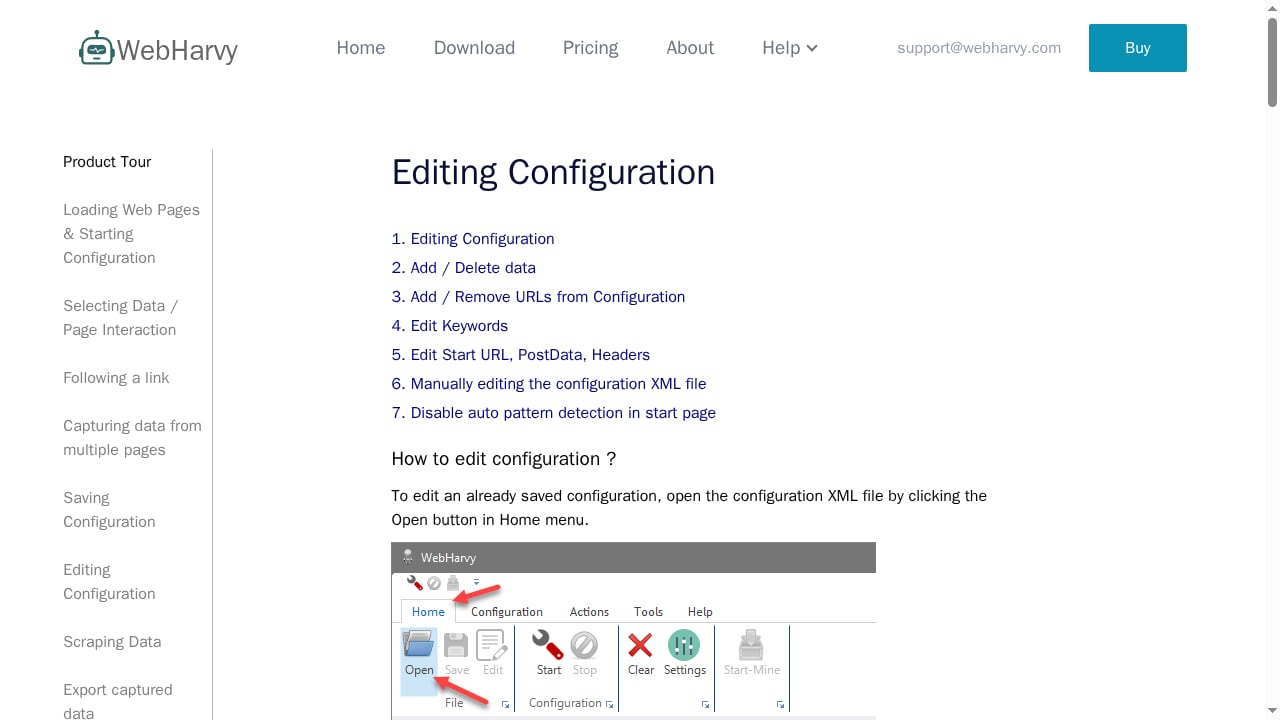
First viewport screenshot of Editing Scraper Configuration | WebHarvy User Guide.
WebHarvy's documented limitations
- Windows-only. There is no native Mac version, no browser extension, and no true cloud or SaaS platform. Mac users need virtualization such as Parallels or a Windows VM.
- Steep learning curve for advanced work. A review found users describing the tool as "a bit too developer-centric in some functionality," with fragmented documentation that covers individual features but lacks end-to-end workflows.
- Beginner friction. When point-and-click is not enough, for nested data, dynamic content, or broken site structures, true beginners can get lost.
- Maintenance burden. You own the machine, the uptime, and the troubleshooting. Scaling means more licenses and more infrastructure.
- Update economics. After the first year, newer builds require a paid upgrade with no public price.
AdsCrawl's trade-offs
- It is an API, not a click-and-scrape app. You need to write or maintain code, or have a developer do it.
- Recurring cost. Credits and concurrency are metered, so heavy usage moves you up tiers.
- No perpetual license. There is no pay-once option, which is exactly the model WebHarvy sells against.
Pricing at a glance
| AdsCrawl | WebHarvy | |
|---|---|---|
| Model | Subscription with monthly credits | One-time license |
| Entry point | Free plan, 500 one-time credits | 15-day feature-limited trial |
| Typical paid start | Hobby, $9/month | $99 single-user license |
| Team tier | Starter $49/month, Pro $199/month | 2-user $169, 3-user $219, 4-user $269, site $699 |
| Updates | Included with subscription | One year included, then paid upgrade |
| Platform | Cloud browser, any OS with an HTTP client | Windows desktop |
| Output | HTML, Markdown, JSON, screenshots | Excel, CSV, JSON, XML, TSV, databases |
| Scaling | Concurrency and credits by tier | More machines, more licenses, your own VMs |
Which one fits your situation
Choose AdsCrawl if:
- Your targets are JavaScript-heavy SPAs that need real rendering
- You already use Playwright, Puppeteer, or a CDP client and want to stop managing browsers
- You need proxy routing, region control, and persistent browser profiles out of the box
- Scraping is part of a production pipeline with scheduled, programmatic runs
- You want to scale concurrency without buying Windows VMs
Choose WebHarvy if:
- You are on Windows and want to avoid code entirely
- Your targets are mostly static or lightly dynamic listing pages, tables, and search results
- Your volume is modest and predictable
- A one-time payment matters more than elastic scale
- You are comfortable owning uptime and troubleshooting yourself
A practical middle path: many teams start with a visual tool to validate that the data is worth collecting, then move to a cloud browser API when the job becomes recurring, dynamic, or shared. If you are weighing that transition, the breakdown in The Complete Guide to Browser Task APIs covers how cloud automation differs from traditional crawlers, and Top 10 Cloud Browser Automation & Web Data Extraction APIs 2026 ranks the wider field. If your end goal is price monitoring specifically, How to Use AdsCrawl with Price2Spy for Competitor Price Monitoring shows the pipeline in practice.
FAQ
Is WebHarvy really a one-time purchase?
Yes, the license is one-time, but it includes only one year of free updates and email support. After that year you can keep using your last build indefinitely, while newer versions require a paid upgrade license that the vendor quotes on request.
Can WebHarvy scrape JavaScript-heavy sites?
It can handle AJAX-based pagination and pages that load content via JavaScript, and its built-in browser simulates a genuine user session. Reviews note, however, that dynamic and JavaScript-heavy sites are among the areas where configuration gets difficult, especially without HTML, regex, or JavaScript skills.
Does AdsCrawl work with Playwright and Puppeteer?
Yes. AdsCrawl supports connecting Playwright, Puppeteer, or any CDP client to real cloud Chromium browsers, with dedicated remote CDP sessions and short-lived live-control tokens.
Does AdsCrawl have a free plan?
Yes. The Free plan includes 500 one-time credits. Paid tiers begin with Hobby at $9/month for solo developers.
Can I run WebHarvy on a Mac?
Not natively. WebHarvy is a Windows desktop application. Mac users need virtualization software such as Parallels or a Windows virtual machine in the cloud.
Which is cheaper for a small project?
For a single user with modest, steady needs, WebHarvy's $99 one-time license is likely cheaper over several years. For teams that need concurrency, proxies, and rendering at volume, AdsCrawl's tiered subscription avoids the cost and effort of maintaining multiple Windows machines.
Conclusion
AdsCrawl and WebHarvy are not competing for the same buyer. WebHarvy wins on price predictability and zero-code simplicity for Windows users scraping straightforward sites. AdsCrawl wins on rendered extraction, proxy and identity management, and programmatic scale for teams that treat scraping as infrastructure.
The decision comes down to three questions: are your target sites JavaScript-heavy, does your workflow need an API, and do you want to own a machine or rent capacity? Answer those honestly and the choice makes itself.
For a broader look at how these tools stack up against the rest of the market, see Top 10 Web Scraping Browser Extensions 2026 and the Scrapfly review for another API-first option.
Sources: WebHarvy official site, Thunderbit's in-depth WebHarvy review, Rankite's 2026 data scraping tools comparison.