
Scrapfly Review 2026: API, Pricing, Pros & Real Limits
Evidence-based Scrapfly review: scraping API, cloud browser, anti-bot bypass, credit costs, setup, limitations, and who it actually fits in 2026.
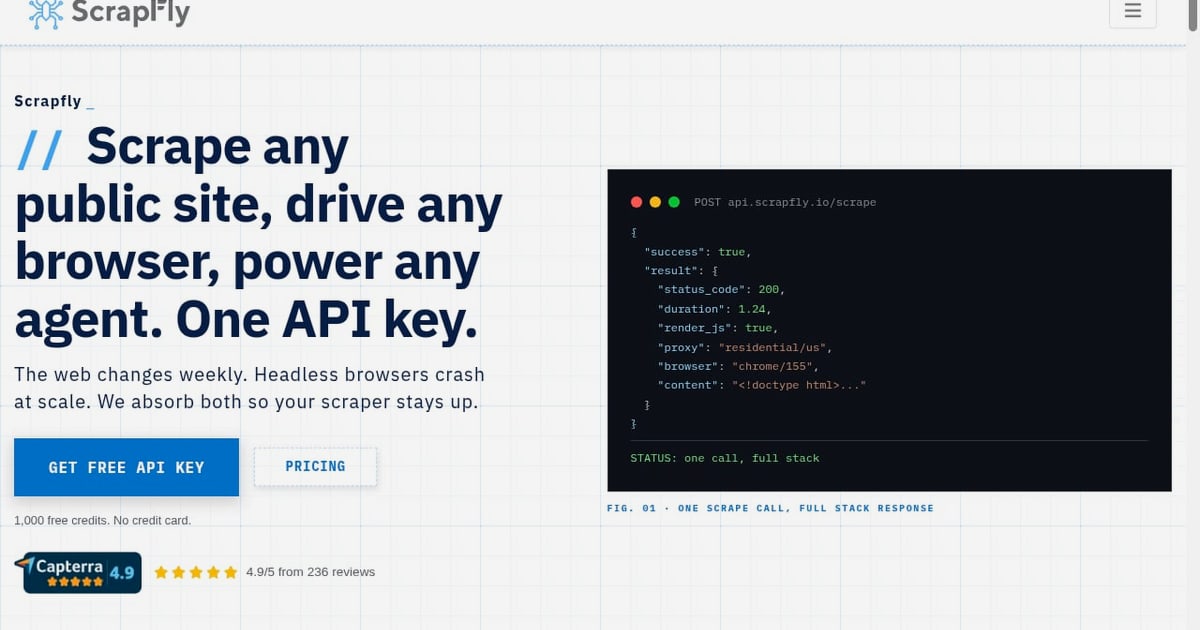
Scrapfly Review 2026: API, Pricing, Pros & Real Limits
Scrapfly is a web data platform built around a single API key that covers scraping, cloud browser automation, screenshots, structured extraction, and crawling. It is aimed at developers and AI teams who need reliable access to public web data without maintaining their own proxy pools and headless browser fleet. This review looks at what the platform does well, where it costs more than expected, and which teams should consider it.
What Scrapfly actually is
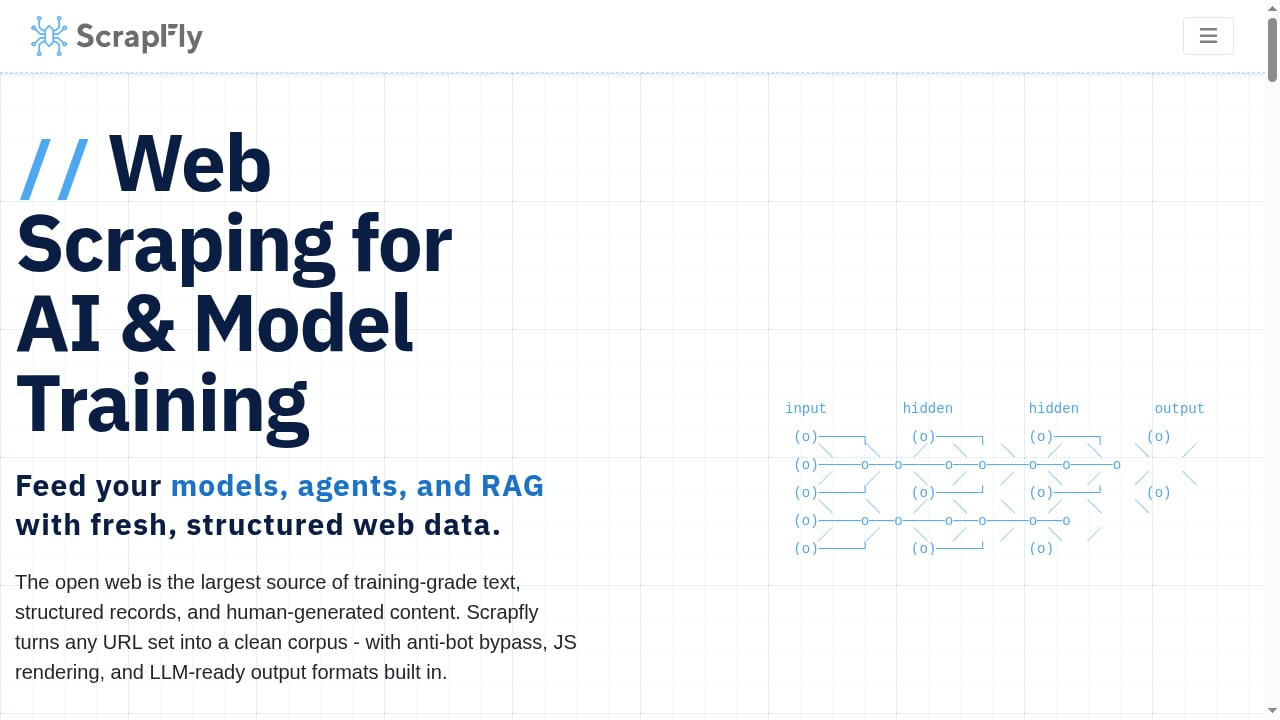
First viewport screenshot of AI Training Data Scraper API.
Scrapfly is not a no-code scraper. It is an API-first product with SDKs for Python, TypeScript, Go, and Rust, plus integrations with common AI frameworks and no-code tools. The core promise is that one endpoint handles the hard parts: JavaScript rendering, proxy rotation, anti-bot bypass, and retries.
The platform reports a 99%+ success rate on blocked targets and 5B+ scrapes per month across its user base. It holds SOC 2 Type II, ISO 27001, and HIPAA certifications, which matters if your procurement team needs compliance documentation before signing off.
Output formats include Markdown, JSON, and HTML, which makes it practical for AI training data collection, RAG pipelines, and competitive intelligence workflows where you want clean text rather than raw DOM.
Who Scrapfly is built for
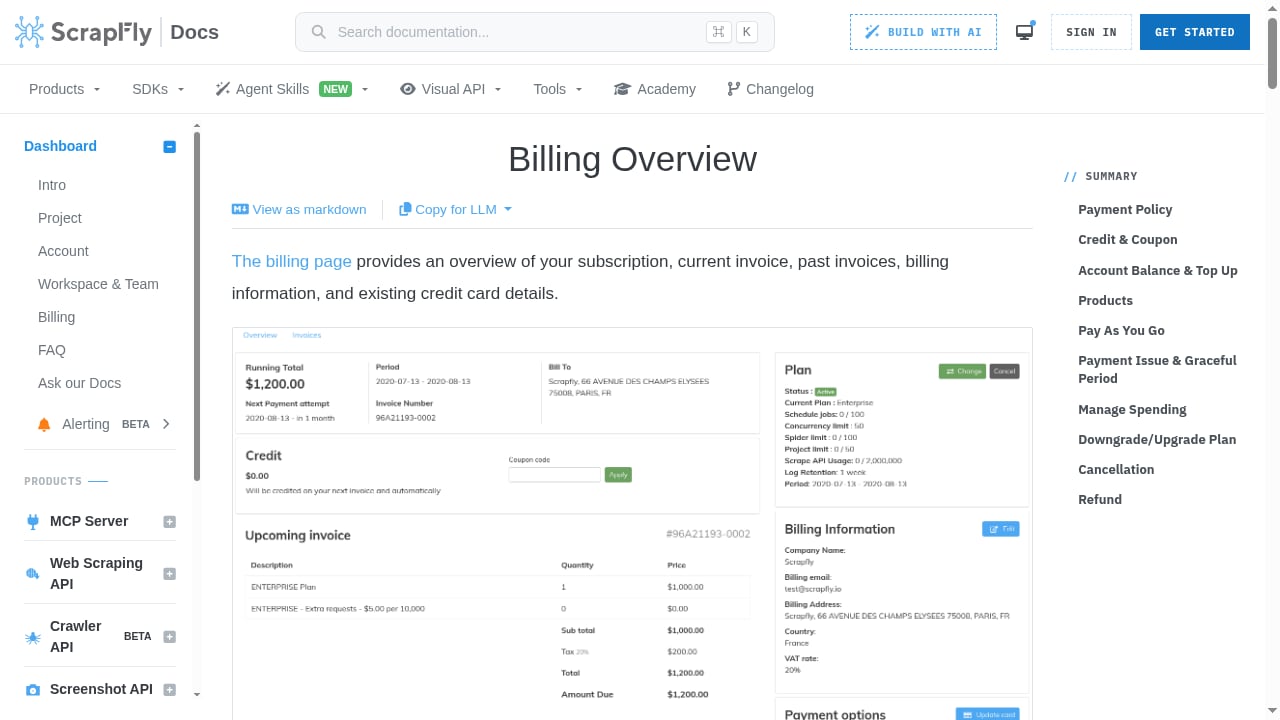
First viewport screenshot of Scrapfly Web Scraping API | Billing.
Scrapfly fits teams that already write code and want to stop babysitting scraping infrastructure.
- Backend and data engineers who need a scraping layer inside an existing pipeline.
- AI and ML teams collecting training data or feeding retrieval systems.
- Growth and pricing analysts who need rendered competitor pages on a schedule.
- Agencies running scraping work for multiple clients under one billing account.
It is a poor fit for non-technical users who want a point-and-click interface. If you need visual scraping without code, a tool like Browse AI is a more natural starting point.
Core capabilities
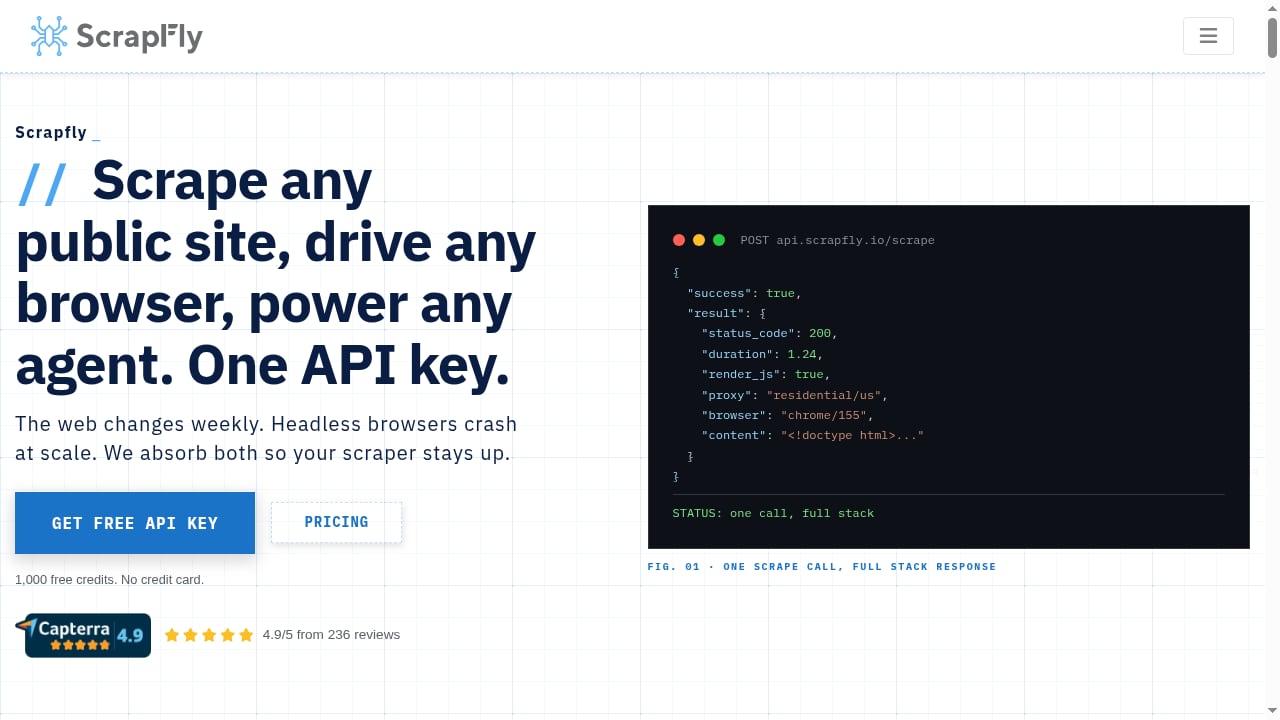
First viewport screenshot of Scrapfly - Web Scraping API, Cloud Browser, Screenshot API.
Scraping API
The main endpoint accepts a URL and returns the page content. You can request rendered JavaScript, choose a proxy pool, set geolocation, and enable anti-bot bypass. The API handles retries and returns structured error codes so your pipeline can react instead of silently failing.
Cloud browser automation
For interactions that go beyond a single page load, Scrapfly offers cloud browser sessions. This is useful for pagination, form submission, and multi-step flows. Teams comparing this layer against other managed browser options should read the cloud browser automation API comparison to understand how session control and pricing differ.
Structured extraction and screenshots
Scrapfly can return parsed data rather than raw HTML, and it can capture screenshots. Screenshots are useful for visual monitoring, but they consume credits like any other request.
Crawling
The crawler follows links from a starting URL and applies the same rendering and anti-bot logic. It is convenient for site-wide collection, though large crawls can burn through credits quickly.
Setup and first request
Setup is straightforward for a developer. You create an account, get an API key, and make your first call. A minimal Python example looks like this:
from scrapfly import ScrapflyClient, ScrapeConfig

client = ScrapflyClient(key="YOUR_API_KEY")
result = client.scrape(
    ScrapeConfig(
        url="https://example.com",
        asp=True,
        render_js=True,
        country="US"
    )
)
print(result.content)
The asp flag enables anti-bot protection, and render_js forces JavaScript rendering. Both flags increase credit cost, which is the single most important thing to understand before you commit.
Pricing signals and credit math
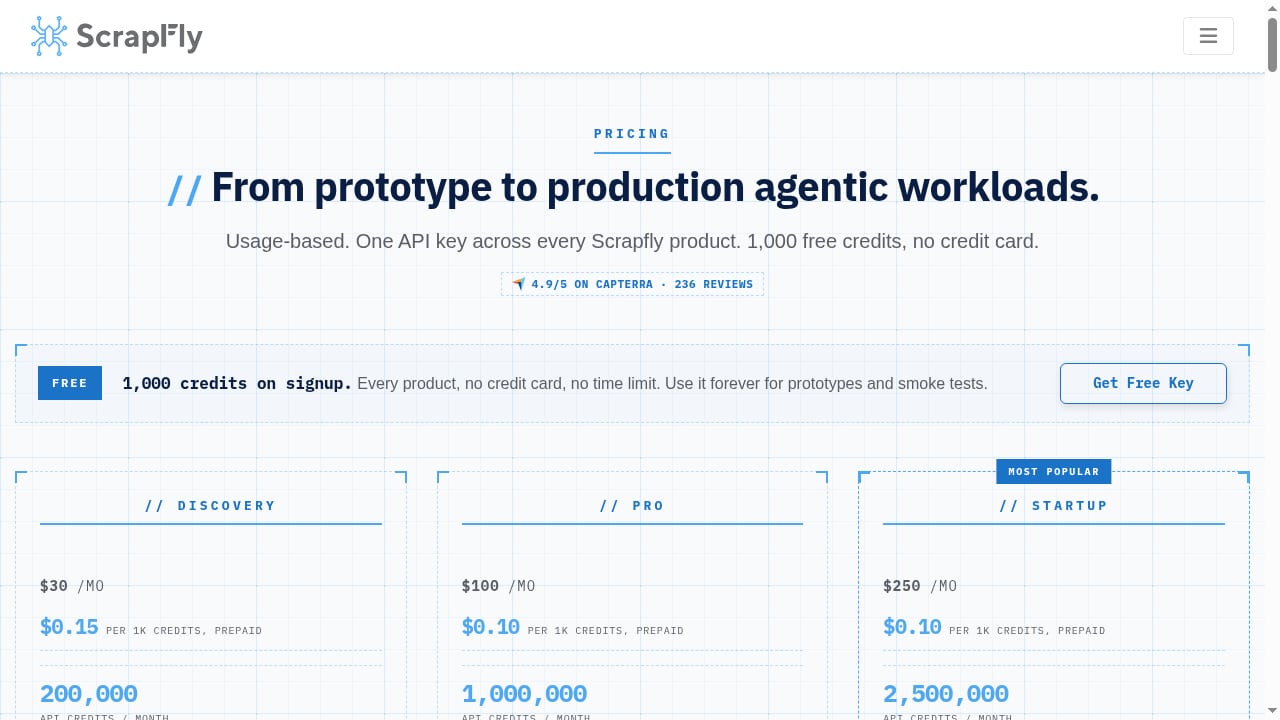
First viewport screenshot of Scrapfly Pricing - Web Scraping API, Cloud Browser, Screenshot. One Key, Every Product..
The free tier gives you 1,000 credits, which is enough to test the API but not enough to run a production job. Beyond that, pricing is usage-based and scales to enterprise contracts.
The critical detail is that credits are not one per request. A plain HTTP request costs a small number of credits, while enabling residential proxies, JavaScript rendering, and anti-bot bypass multiplies the cost. One verified user on Capterra reported that the public datacenter proxy pool was blocked on the first call, forcing a switch to the residential pool at 25 credits per API call. That is a real cost signal: the cheapest configuration may not work on hard targets, and the configuration that does work is significantly more expensive.
Before committing, estimate your monthly volume and multiply it by the credit cost of your hardest target, not your easiest one. If that number surprises you, compare against alternatives before scaling.
What users consistently praise
Across review platforms, the recurring positives are consistent.
- Anti-bot handling. Reviewers on G2 specifically call out the ASP feature for bypassing anti-bot and Cloudflare challenges.
- Integration simplicity. A reviewer on Capterra noted that proxy rotation, anti-bot bypass, and JavaScript rendering "just work" without managing infrastructure.
- Debugging tools. Users highlight the debugging interface for identifying issues without trial and error.
- Documentation. Each scraping method has a working example, which shortens onboarding.
Limitations worth knowing
No review is useful without the downsides.
- Credit costs escalate fast. Residential proxies and anti-bot bypass are expensive. Budget accordingly.
- Datacenter proxies may fail on protected sites. As one user found, the cheap pool can be blocked immediately.
- It is not a no-code tool. Non-developers will struggle without engineering support.
- The anti-bot detector extension is not a silver bullet. An independent technical review of Scrapfly's Anti-bot Detector extension found it useful for authorized debugging triage, but noted that confidence scores are clues rather than proof, and recommended installing it only in a separate non-sensitive browser profile. If you use browser-based debugging, treat it as a starting point, not a verdict. For a broader view of browser-side tooling, see the web scraping browser extension roundup.
Scrapfly vs alternatives
The honest answer is that Scrapfly competes on reliability, not price.
| Factor | Scrapfly | Typical no-code scraper | Self-hosted stack |
|---|---|---|---|
| Setup effort | Low for developers | Very low | High |
| Anti-bot success | Strong (reported 99%+) | Limited | Depends on your proxy spend |
| Cost predictability | Usage-based, variable | Flat subscription | Infrastructure + proxy bills |
| Best for | Engineering teams at scale | Simple, low-volume jobs | Full control, high volume |
If your workload is small and simple, a no-code tool is cheaper and faster. If you need rendered, protected pages at volume and you have engineers, Scrapfly is a reasonable default.
Decision checklist
Before you sign up, answer these questions:
- Do you have developers who can work with an API and SDK?
- What is the credit cost of your hardest target, not your easiest?
- How many requests per month do you actually need?
- Do you need residential proxies, or will datacenter proxies suffice?
- Does your procurement team require SOC 2, ISO 27001, or HIPAA documentation?
- Have you compared at least two alternatives on the same target?
If you answer yes to the first five and have done the sixth, Scrapfly is likely a good fit.
Related reading
- The Complete Guide to Browser Task APIs: From Background Idle Scheduling to Cloud Automation - What is a browser task API? This article breaks down background task cooperative scheduling, extension APIs, and cloud browser automation, compares traditional crawlers with managed solutions, and offers selection and practical advice.
- How to Use AdsCrawl with Price2Spy® for Price Monitoring - Learn how AdsCrawl's cloud browser API feeds rendered competitor data into Price2Spy for reliable price monitoring, with setup steps and examples.
- AdsCrawl vs Parallel vs Remote Browser: AI Agent Web Stack - AdsCrawl vs Parallel vs Remote Browser compared: rendered extraction, search and research APIs, and remote CDP sessions for AI agent browser infrastructure.
Sources and further reading
- Scrapfly Anti-bot Detector Review: Useful, but High Trust - Enjoy the videos and music you love, upload original content, and share it all with friends, family, and the world on YouTube.
FAQ
Is Scrapfly free to try?
Yes. The free tier includes 1,000 credits, which is enough for testing but not production.
Does Scrapfly handle Cloudflare and anti-bot protections?
Yes, through its ASP feature. Reviewers on G2 specifically praise it for bypassing anti-bot and Cloudflare challenges, though it increases credit cost.
How much does a Scrapfly request cost?
It depends on the features you enable. A basic request costs few credits, while residential proxies and anti-bot bypass can push a single call to 25 credits or more.
Is Scrapfly good for AI training data?
It supports Markdown, JSON, and HTML output and integrates with AI frameworks, which makes it suitable for training data and RAG pipelines.
What is the biggest limitation?
Cost variability. The configuration that works on hard targets is significantly more expensive than the configuration that works on easy ones.
Does Scrapfly require coding?
Yes. It is API-first with SDKs, so it assumes developer involvement.
Conclusion
Scrapfly is a strong choice for engineering and AI teams that need reliable access to protected, JavaScript-heavy pages and do not want to run their own proxy and browser infrastructure. Its anti-bot success rate, compliance certifications, and multi-language SDKs make it credible at scale.
The trade-off is cost. Credits disappear quickly when you enable residential proxies and anti-bot bypass, and the cheapest configuration often fails on the targets that matter most. Estimate your real workload before committing, compare against at least one alternative, and treat the free tier as a test rather than a trial run for production.
If you have developers and hard targets, Scrapfly deserves a serious look. If you do not, start somewhere simpler.