
How to Use AdsCrawl with UptimeRobot for Free Monitoring
Combine AdsCrawl's cloud browser API with UptimeRobot's free uptime monitoring to catch JavaScript-rendered downtime and content failures.
How to Use AdsCrawl with UptimeRobot for Free Monitoring
UptimeRobot is a free website monitoring service that checks whether a URL responds. AdsCrawl is a managed cloud browser API that renders JavaScript-heavy pages and returns HTML, Markdown, JSON, or screenshots. Used together, they close a common blind spot: a page that returns HTTP 200 while the content users actually need is missing, broken, or stuck behind a client-side render.
This article explains how the two tools complement each other, walks through a practical setup, and shows where the combination saves time for developers and small teams.
Why standard uptime monitoring misses rendered pages
First viewport screenshot of UptimeRobot Reviews, Ratings, and Customer Stories.
Most uptime monitors work at the HTTP layer. They send a request, read the status code, and measure response time. That is fast, cheap, and reliable for static sites. It is not enough for modern front ends.
Consider these failure modes:
- A single-page application returns a 200 shell with an empty
<div id="app">because the API call behind it failed. - A checkout page loads, but the price widget never hydrates and shows a blank block.
- A login-gated dashboard returns a redirect page that still counts as healthy.
- A page serves a bot challenge instead of the real content, so the monitor sees a 200 but users see a wall.
In each case, a status-code monitor reports green. Your users see red. UptimeRobot's keyword monitoring can catch some of this, but it still reads the raw response body unless the page is rendered. That is where AdsCrawl fits.
What each tool does best
First viewport screenshot of UptimeRobot: Free Website Monitoring Service.
UptimeRobot: fast, free, broad coverage
UptimeRobot is built for breadth. It offers 50 monitors on the free tier, checks at short intervals, and supports HTTP, keyword, ping, port, and cron monitoring. Alerts go out by email, SMS, Slack, and other channels. It is the right layer for "is the endpoint reachable, and does it contain the string I expect?"
AdsCrawl: rendered truth from a real browser
AdsCrawl runs real cloud Chromium browsers. You send a URL to POST /html or POST /screenshot and get back rendered content, not the initial payload. It supports Playwright, Puppeteer, and any CDP client, plus residential or custom proxy routing and dynamic region selection. For monitoring, the important capabilities are:
- JavaScript execution before extraction, so SPA content is present.
- Structured DOM and network field extraction, so you can assert on a specific element rather than a whole page.
- Stateful cloud browser profiles that persist cookies and settings after stop, useful for pages behind a session.
- Per-user running quotas, so scheduled checks stay within plan limits.
If you are still comparing scraping APIs for this kind of work, the AdsCrawl vs Scrape.do vs Zyte comparison covers rendering and anti-bot behavior in more depth.
The workflow: UptimeRobot watches, AdsCrawl verifies
First viewport screenshot of uptimerobot.com.
A clean division of labor looks like this:
- UptimeRobot monitors the surface. It checks your public URLs, SSL certificates, and critical endpoints on a short interval. This is your first alert layer.
- AdsCrawl renders the pages that matter. On a schedule, your own script or cron job calls AdsCrawl for the pages where rendered content is the real signal.
- Your code asserts on the rendered output. Compare a price, a stock badge, a dashboard total, or a heading against an expected value.
- Failures route into the same alerting channel. If the assertion fails, your script posts to UptimeRobot's API to create or update a monitor, or sends a webhook to Slack. Either way, the team sees one alert stream.
This is not a replacement for UptimeRobot. It is a second layer for the pages where "HTTP 200" is not a meaningful answer.
Setup steps
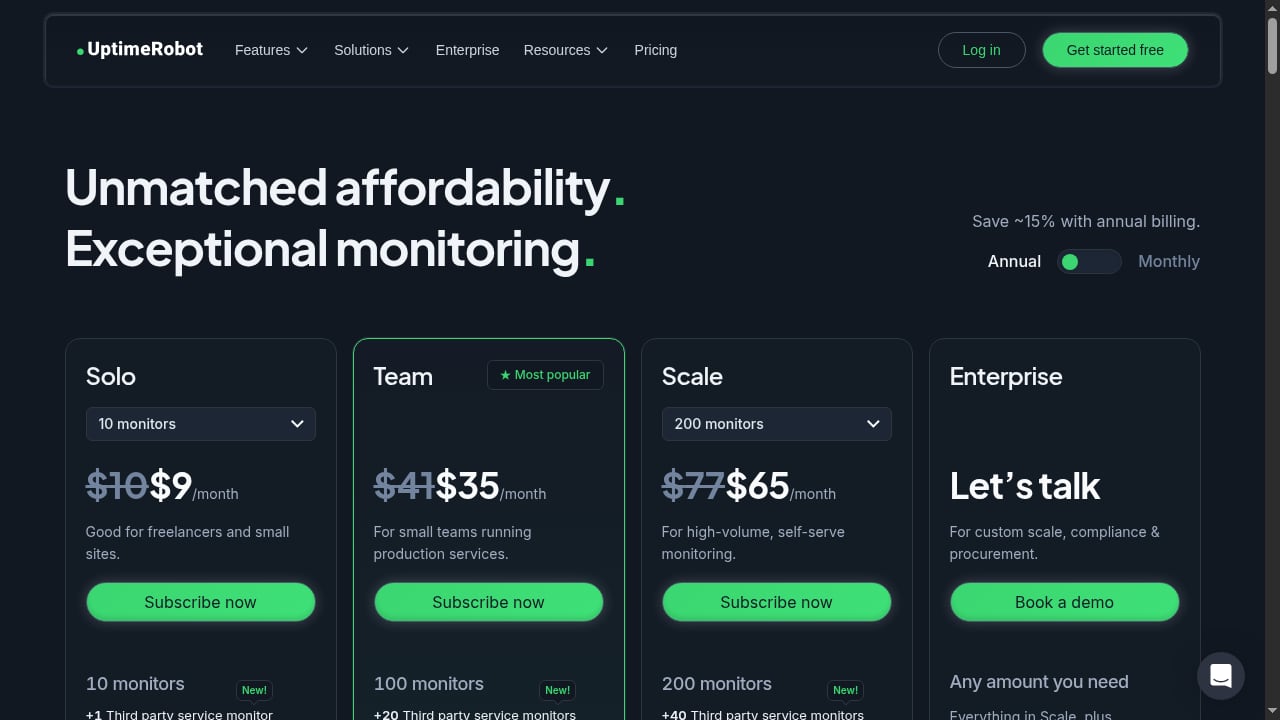
First viewport screenshot of Plans & Pricing | UptimeRobot.
Step 1: Create your UptimeRobot monitors
Sign up for the free plan and add HTTP monitors for your public endpoints. For pages with static text, add a keyword monitor on a string that only appears when the page is healthy. Keep intervals reasonable — short intervals on many monitors burn through checks quickly.
Step 2: Get an AdsCrawl API key
The free plan includes 500 one-time credits, which is enough to test the workflow. Paid tiers scale monthly credits, browser concurrency, and profile limits. Store the key in an environment variable, not in your repository.
Step 3: Write a rendered check
A minimal check calls the synchronous HTML endpoint and asserts on the result:
curl -X POST https://api.adscrawl.com/html \
  -H "Authorization: Bearer $ADSCRAWL_API_KEY" \
  -H "Content-Type: application/json" \
  -d '{"url": "https://example.com/pricing", "waitUntil": "networkidle"}'
The response contains the rendered HTML. In your script, parse it and look for the value you expect — a plan name, a price, a table row. If it is missing, treat it as an incident.
For pages that need a session, create a cloud browser profile first, log in once, and reuse the profile on later checks. For visual regressions, use POST /screenshot and compare against a stored baseline.
Step 4: Wire failures into your alerting
When an assertion fails, you have two practical options:
- Call UptimeRobot's API to create a monitor pointing at a status endpoint you control, or update an existing monitor's state.
- Send the failure directly to Slack, email, or your on-call tool.
Many teams do both: UptimeRobot remains the single dashboard, and the rendered check feeds into it.
Step 5: Schedule and budget
Run rendered checks less frequently than raw uptime checks. A page that renders correctly once a minute rarely needs a browser every minute. Five- or fifteen-minute intervals are usually enough, and they keep credit usage predictable. If you are running many browser jobs, the browser task API guide explains scheduling and concurrency patterns that apply here.
Practical examples
Example 1: E-commerce price and stock monitoring
A product page returns 200 even when the price element fails to render. A scheduled AdsCrawl check extracts the price field and compares it to the last known value. If the field is empty or the price jumps unexpectedly, the script alerts. This is the same pattern used in price monitoring with AdsCrawl and Price2Spy, applied to your own storefront.
Example 2: SaaS dashboard health
A logged-in dashboard shows a total revenue figure. A raw HTTP check sees a login redirect. An AdsCrawl check with a persisted profile loads the dashboard, waits for the data table, and asserts that the total is a number greater than zero. A zero or missing value triggers an alert before customers report it.
Example 3: Marketing site content drift
A landing page should always contain a specific call-to-action string. UptimeRobot's keyword monitor catches it when the text is in the initial HTML. When the page is client-rendered, AdsCrawl catches it instead. Running both gives you coverage across static and dynamic sections of the same site.
Choosing what to monitor where
| Signal | Best tool |
|---|---|
| Endpoint reachability, SSL expiry, ping | UptimeRobot |
| Static keyword in initial HTML | UptimeRobot keyword monitor |
| Rendered text, prices, tables, dashboards | AdsCrawl |
| Visual layout regressions | AdsCrawl screenshot |
| High-frequency, low-cost checks | UptimeRobot |
| Lower-frequency, higher-fidelity checks | AdsCrawl |
If your team is weighing a cloud browser API against other automation approaches, the AdsCrawl vs WebHarvy comparison is a useful reference for where a managed API beats a one-time desktop tool.
Common pitfalls
- Monitoring too many rendered pages too often. Browser checks cost more than HTTP checks. Prioritize the pages where rendered content is the actual business signal.
- Asserting on unstable text. Marketing copy changes. Assert on structural elements, data attributes, or numeric values instead.
- Ignoring bot challenges. If a page serves a challenge, your assertion may fail for the wrong reason. Proxy routing and realistic browser identity help; see the Scrapfly review for context on how different providers handle this.
- Forgetting session expiry. Persisted profiles still expire. Build a re-login path into your check.
Sources and further reading
- API Providers - APIs.io - Browse all API service providers indexed on APIs.io, ranked by the API Evangelist rating. Find providers by name, see their APIs, capabilities, and more.
- JSON-LD Vocabularies - APIs.io - Browse JSON-LD semantic vocabularies across the APIs.io network.
- index.html | APIs.io Rules - Browse API governance rules and Spectral rulesets across the APIs.io network.
FAQ
Can UptimeRobot monitor JavaScript-rendered pages on its own?
UptimeRobot's keyword monitor reads the response it receives. For client-rendered content that is not in the initial HTML, it will not see the final text. That is the gap AdsCrawl fills.
Do I need a paid AdsCrawl plan to start?
The free plan includes 500 one-time credits, which is enough to validate the workflow. Paid tiers add monthly credits, more concurrency, and more cloud browser profiles.
Can I use Playwright or Puppeteer instead of the HTTP API?
Yes. AdsCrawl supports Playwright, Puppeteer, and any CDP client, so you can run your existing browser scripts against managed cloud browsers.
How often should rendered checks run?
Match the interval to the business risk. Many teams run raw uptime checks every minute and rendered checks every five to fifteen minutes.
Does this replace my existing monitoring stack?
No. It adds a rendered-content layer. UptimeRobot stays the broad, fast, free first line; AdsCrawl handles the pages where the rendered result is the real signal.
Conclusion
UptimeRobot answers "is it up?" quickly and for free across dozens of endpoints. AdsCrawl answers "is the rendered page actually correct?" for the JavaScript-heavy pages where that question matters. Running them together gives you a monitoring setup that catches both classic outages and the quieter failures that status codes never see. Start with a handful of high-value pages, assert on stable elements, and let the two layers do what each does best.