
How to Use AdsCrawl with Searlo: Search Data + Browser Automation
Combine Searlo's SERP API with AdsCrawl's cloud browser to discover search results and scrape JavaScript-heavy pages. Setup, workflow, code, and FAQ.
How to Use AdsCrawl with Searlo: Search Data + Browser Automation
Searlo and AdsCrawl solve two different halves of the same problem. Searlo tells you what is ranking and where to look by returning live search results as clean JSON. AdsCrawl opens a real cloud browser and tells you what is actually on the page — rendered HTML, Markdown, structured fields, or a screenshot, even when the site is JavaScript-heavy.
This guide shows how to wire them together: account setup, a working two-step workflow, code you can adapt, practical examples, and the failure modes the combination removes.
Why combine a SERP API with a cloud browser?
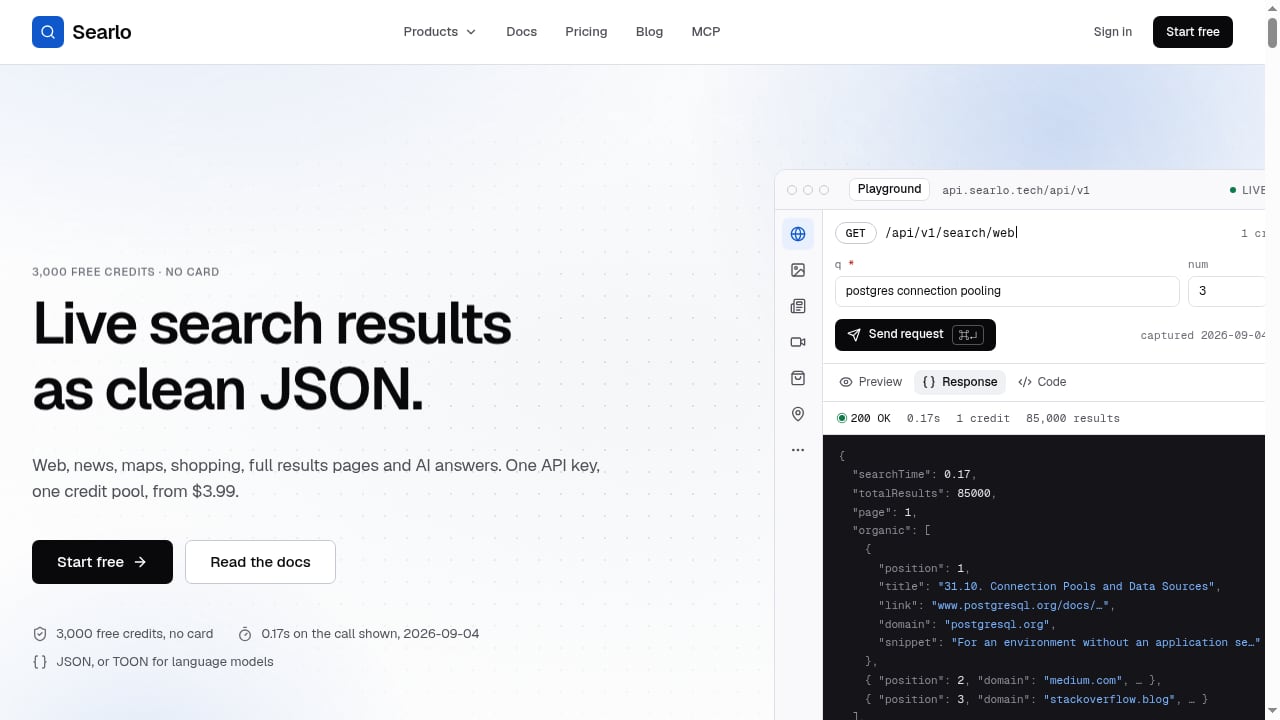
First viewport screenshot of Searlo — SERP API: live search results as clean JSON.
A SERP API gives you discovery at scale. A browser automation API gives you depth. Used separately, each leaves a gap:
- Searlo alone returns titles, URLs, snippets, and AI answers — but not the full rendered content of the destination pages.
- AdsCrawl alone can render anything, but you still need a list of URLs worth rendering. Crawling blindly wastes credits and time.
Together, Searlo does cheap, fast discovery and AdsCrawl does targeted, high-fidelity extraction. You pay for browser sessions only on the pages that matter.
What each product handles
| Job | Searlo | AdsCrawl |
|---|---|---|
| Keyword → ranked URLs | Yes | No |
| News, maps, shopping, AI answers | Yes | No |
| Rendered HTML / Markdown | No | Yes |
| Screenshots and visual diffs | No | Yes |
| Logged-in or interactive flows | No | Yes (remote CDP) |
| Output format | JSON | HTML, Markdown, JSON, PNG |
Prerequisites
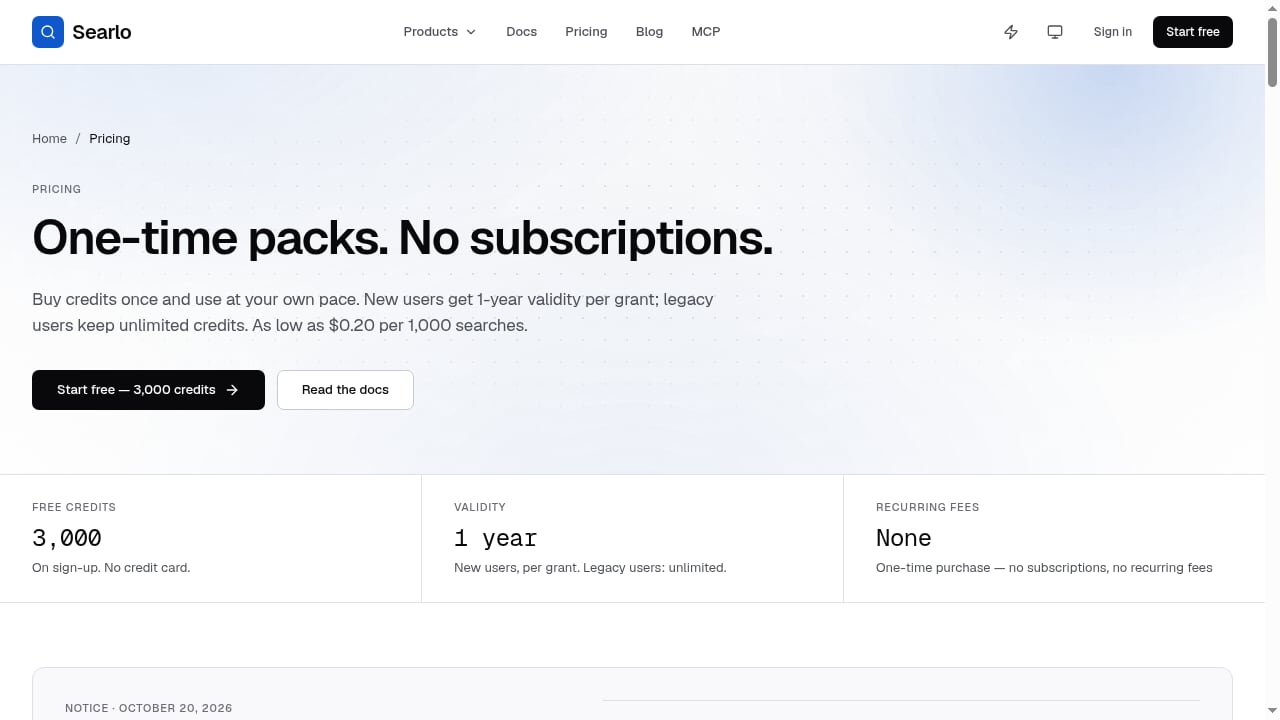
First viewport screenshot of Pricing: Pay-As-You-Go Search API from $0.20/1K | Searlo.
Before you start, collect four things:
- A Searlo API key — created in the Searlo dashboard. The free tier includes 3,000 credits, and pay-as-you-go packs start at $3.99 with no subscription.
- An AdsCrawl API key — from the AdsCrawl dashboard. The Free plan includes 500 one-time credits; Hobby ($9/month), Starter ($49/month), and Pro ($199/month) scale credits, browser concurrency, and Cloud Browser profiles.
- A runtime — Python 3.9+ or Node.js 18+ with an HTTP client.
- A target keyword list — even five keywords is enough to validate the pipeline.
Keep both keys server-side. Never ship them in client-side code.
Step 1: Pull search results with Searlo
First viewport screenshot of Changelog - Product Updates & New Features | Searlo.
Send a query to Searlo and read the JSON response. The exact endpoint and parameter names come from your Searlo API documentation; the shape below reflects a typical SERP call.
import os, requests

SEARLO_KEY = os.environ["SEARLO_API_KEY"]

def search(query: str, limit: int = 10):
    resp = requests.get(
        "https://api.searlo.com/search",
        headers={"Authorization": f"Bearer {SEARLO_KEY}"},
        params={"q": query, "num": limit},
        timeout=30,
    )
    resp.raise_for_status()
    return resp.json()["results"]

urls = [r["url"] for r in search("cloud browser automation api")]
print(urls[:5])
Two Searlo features matter here. Native MCP support lets an AI agent call search directly as a tool, and TOON format cuts token usage by roughly 60% when you feed results into a model. If your pipeline ends in an LLM, request TOON instead of raw JSON.
Step 2: Render each URL with AdsCrawl
Now hand the discovered URLs to AdsCrawl. For most extraction jobs, POST /html is the right starting point: it is synchronous, uses safe browser defaults, and avoids managing a stateful session.
export ADSCRAWL_API_KEY="your-api-key"

curl --fail-with-body -sS -X POST "https://api.adscrawl.net/html" \
  -H "content-type: application/json" \
  -H "x-api-key: $ADSCRAWL_API_KEY" \
  -d '{
    "url": "https://example.com/article",
    "contentMode": "markdown",
    "waitUntil": "domcontentloaded"
  }'
AdsCrawl authenticates with the x-api-key header. Cloud browser lifecycle requests also accept a session JWT or cookie, and remote CDP discovery uses a data token embedded in the session URL while live control uses a separate single-use token that expires after 30 seconds.
Choosing the right AdsCrawl workflow
Pick the smallest workflow that solves the page:
POST /html— rendered HTML or Markdown for static and moderately dynamic pages.POST /screenshot— visual capture for monitoring, QA, or visual regression.- SPA extraction templates — structured DOM and network field extraction for single-page apps.
- Remote CDP sessions — full Playwright, Puppeteer, or raw CDP control when you must click, log in, scroll, or paginate.
- Cloud Browser profiles — stateful browser identity that persists settings after stop, useful for repeat visits to the same site.
A complete two-stage pipeline
Here is the whole loop in one script: search, filter, render, store.
import os, requests

SEARLO_KEY = os.environ["SEARLO_API_KEY"]
ADSCRAWL_KEY = os.environ["ADSCRAWL_API_KEY"]

def search(query, limit=10):
    r = requests.get(
        "https://api.searlo.com/search",
        headers={"Authorization": f"Bearer {SEARLO_KEY}"},
        params={"q": query, "num": limit},
        timeout=30,
    )
    r.raise_for_status()
    return r.json()["results"]

def render(url, mode="markdown"):
    r = requests.post(
        "https://api.adscrawl.net/html",
        headers={
            "content-type": "application/json",
            "x-api-key": ADSCRAWL_KEY,
        },
        json={"url": url, "contentMode": mode, "waitUntil": "domcontentloaded"},
        timeout=90,
    )
    r.raise_for_status()
    return r.json()

for hit in search("best serp api for ai agents"):
    try:
        page = render(hit["url"])
        print(hit["url"], len(page.get("content", "")))
    except requests.HTTPError as e:
        print("failed", hit["url"], e.response.status_code)
Add exponential backoff on HTTP 429 responses. AdsCrawl enforces per-user running quotas, so a burst of parallel renders can hit the ceiling before it hits the plan limit.
Practical examples
First viewport screenshot of Custom Search JSON API Pricing 2026: $5/1K | Searlo.
1. Competitive content intelligence
Search a keyword cluster in Searlo, render the top ten results with AdsCrawl, and diff heading structures, word counts, and schema markup. You get a factual picture of what already ranks instead of guessing.
2. AI agent with live web grounding
Searlo's MCP support lets an agent fetch search results as a tool call. When the agent decides a page matters, it triggers an AdsCrawl render and receives clean Markdown — far cheaper in tokens than raw HTML and far more accurate than a snippet.
3. Lead and entity discovery
Use Searlo's maps and shopping coverage to find local businesses or product listings, then render each destination page with AdsCrawl to extract contact details, pricing, or inventory that only appears after JavaScript runs.
4. Rank tracking with visual proof
Store Searlo positions over time, and capture AdsCrawl screenshots of the same URLs. When a ranking drops, you have both the position history and the rendered page state to explain why.
5. QA for JavaScript-rendered sites
If a client site depends on client-side rendering, a plain HTTP fetch will not reveal a broken layout. Render it through AdsCrawl and compare screenshots across deploys.
Handling tough pages
Some destinations need more than a render:
- Anti-bot walls — route through residential proxies or your own custom proxies, and use managed browser identity with rotating User-Agents and dynamic region routing.
- Login-gated content — open a remote CDP session, authenticate once, and reuse cookies for later requests.
- Infinite scroll and pagination — drive the page with Playwright or Puppeteer over CDP rather than requesting a single snapshot.
- Region-specific results — align Searlo's market parameters with AdsCrawl's region routing so the search result and the rendered page describe the same audience.
Cost and credit planning
Both products meter usage, so model the pipeline before you scale it:
- Searlo credits are consumed per search and pooled across web, news, maps, shopping, and AI answers. New-user credits last one year.
- AdsCrawl credits scale with session usage and concurrency, not per-request fees, which makes budgeting predictable once you measure a sample.
A practical rule: keep Searlo calls broad and AdsCrawl renders narrow. Filter aggressively between the two stages — drop duplicate domains, skip pages you have already rendered, and cap renders per keyword.
When you only need one of them
Not every project needs both.
- Searlo only — rank tracking, snippet monitoring, keyword research, and any task where the search result itself is the deliverable.
- AdsCrawl only — you already have a URL list from a sitemap, database, or CRM and need rendered content, screenshots, or interactive automation.
- Both — discovery plus depth, which is where AI agents, competitive intelligence, and content audits live.
If you are still evaluating browser infrastructure, the AdsCrawl vs Browserbase vs Browserless comparison covers CDP control, stealth, proxies, and pricing. Teams comparing managed data delivery against raw browser control should read AdsCrawl vs Zyte.
Related reading
- ParseHub Review 2026: Free Web Scraper, Real Limits - Honest ParseHub review for 2026: point-and-click scraping, free tier limits, pricing, AJAX handling, setup traps, and when to switch to a cloud API.
- Top 10 Cloud-Based Anti-Detect Browser Automation Products 2026 - We ranked the top 10 cloud-based anti-detect browser automation products for 2026 by fingerprint quality, automation APIs, scaling, and pricing.
FAQ
Do I need both Searlo and AdsCrawl?
Only if your workflow needs discovery and depth. Searlo returns ranked URLs and snippets; AdsCrawl returns the rendered page behind them. If you already have URLs, AdsCrawl alone is enough.
Which AdsCrawl endpoint should I start with?
POST /html with contentMode: "markdown". It is synchronous, needs no session management, and covers most extraction jobs. Move to remote CDP only when the page requires interaction.
How do I authenticate with AdsCrawl?
Send your full API key in the x-api-key header. Keep it on a trusted server or in a secret manager. Remote CDP live control uses a separate single-use token that expires after 30 seconds.
Can Searlo results feed an AI agent directly?
Yes. Searlo supports native MCP, so an agent can call search as a tool, and TOON format reduces token usage by about 60% compared with raw JSON.
What happens when a page blocks the render?
Route through residential or custom proxies and use managed browser identity with rotating User-Agents. For login-gated pages, authenticate inside a remote CDP session and reuse the cookies.
How should I budget credits?
Measure a sample run first. Searlo bills per search from a shared credit pool; AdsCrawl bills by session usage and concurrency. Keep search broad, renders narrow, and deduplicate URLs between the two stages.
Conclusion
Searlo and AdsCrawl fit together because they answer different questions. Searlo answers "what is ranking and where should I look?" AdsCrawl answers "what does that page actually contain?" Wire them in two stages — search, then render — and you get a pipeline that is cheap at the discovery layer and accurate at the extraction layer.
Start with the free tiers on both sides, run five keywords end to end, and measure your credit burn before scaling. For a broader view of how AdsCrawl compares with other scraping stacks, see the Scrape.do and Zyte comparison and the Scrapfly review.